


jQuery toggle() Method
 FREE
FREE

Definition and Usage
Suppose there is an image on the website which you want to show only when it is clicked. And when clicked again, you want that image to disappear. Now for that purpose, we can use a toggle method on the image element.
Toggle, in general, means to switch between two different options. Similarly, toggle in jQuery refers to a method which when applied to any element of the website, is used to switch between hide and show property for that element. When the toggle element is executed, it hides the shown element and shows a hidden element.
Build an AI-First Career, Master the Complete Skillset
Choose from our industry-leading programs designed for career success
Modern Software and AI Engineering Program
Master full-stack development with AI integration


 +1000 more
Modern Data Science and ML with specialisation in AI
Advanced data science techniques with AI specialization
+1000 moreAdvanced AIML with Specialisation in Agentic AI
Deep dive into AIML with focus on Agentic systems
+1000 moreDevOps, Cloud & AI Platform Engineering
Build and manage AI-powered cloud infrastructure
+1000 moreAI Engineering Advanced Certification by IIT-Roorkee
Premier AI engineering certification from IIT-Roorkee

AI Forward Deployed Engineer Program
Full-stack engineering, production AI and client-facing consulting
+1000 moreSyntax
Parameters of toggle in jQuery
There are a few parameters that are used in the toggle in jQuery to give the desired output. However, it is important to note that all these parameters are optional.
| Parameter | Description |
|---|---|
| Speed | Defines the speed of the toggle in jQuery. It can be specified in milliseconds or with simple text values like 'slow' and 'fast'. The time in milliseconds represents the total time for the toggle to occur. |
| Easing | Defines the type of behavior for the toggle. Two options are available: 'linear' (constant speed) and 'swing' (variable speed, increasing in the middle). |
| Callback | A method executed when the toggle operation has been successfully completed. It allows for additional actions or functions to be triggered after the toggle. |
| Display | Describes whether an element will be visible or hidden. If set to true, the element will be displayed; if set to false, the element will be hidden. |
Examples
How Scaler Transformed Careers in Different Fields
Scaler learners achieved 2.5x salary growth with average post-Scaler CTC reaching ₹23L.
 Google
 Amazon
 Microsoft
 Flipkart
 Adobe1200+ more
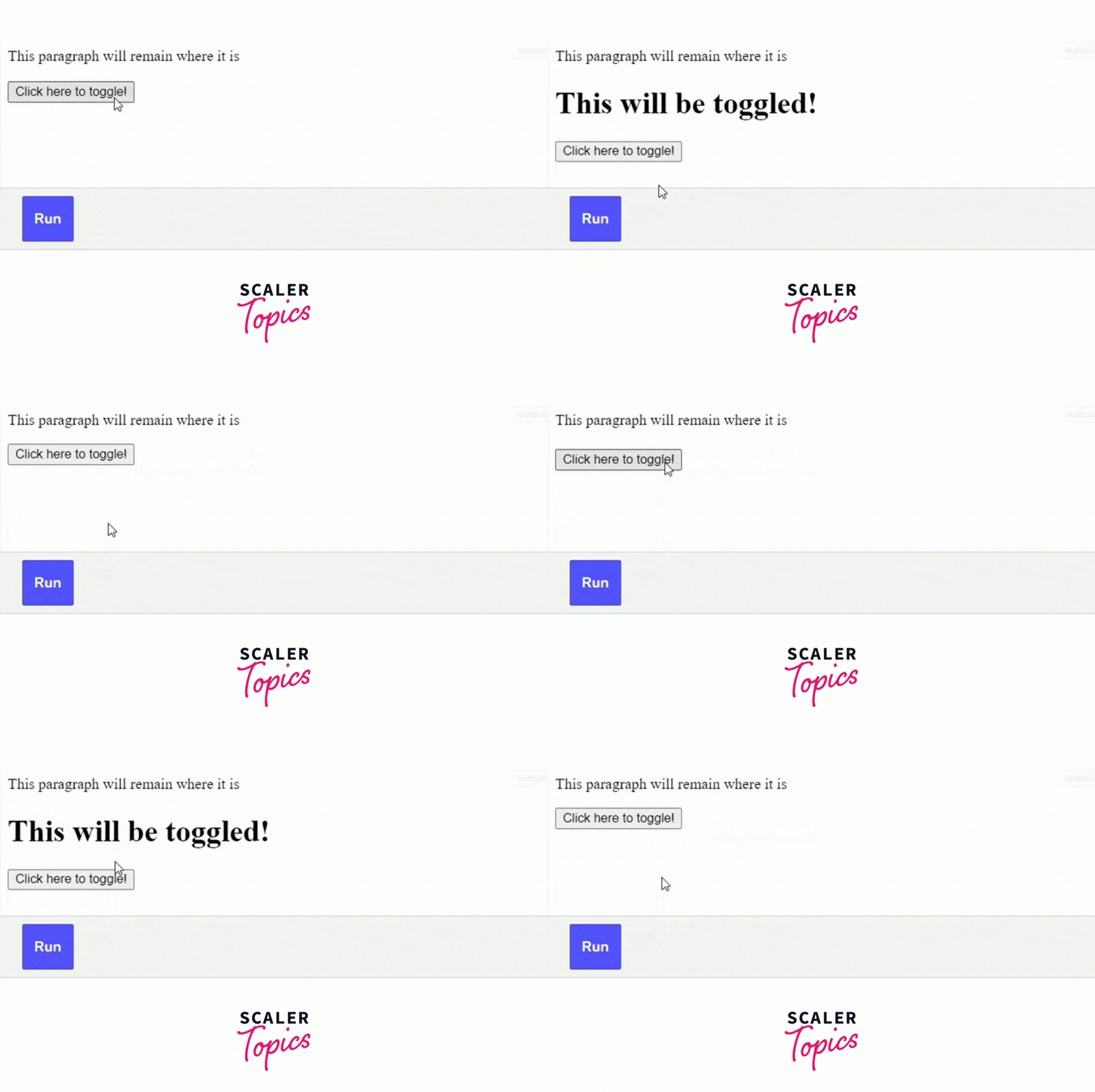
1. Simple Toggle
Now let us see how to implement the toggle method in jQuery in practical terms.
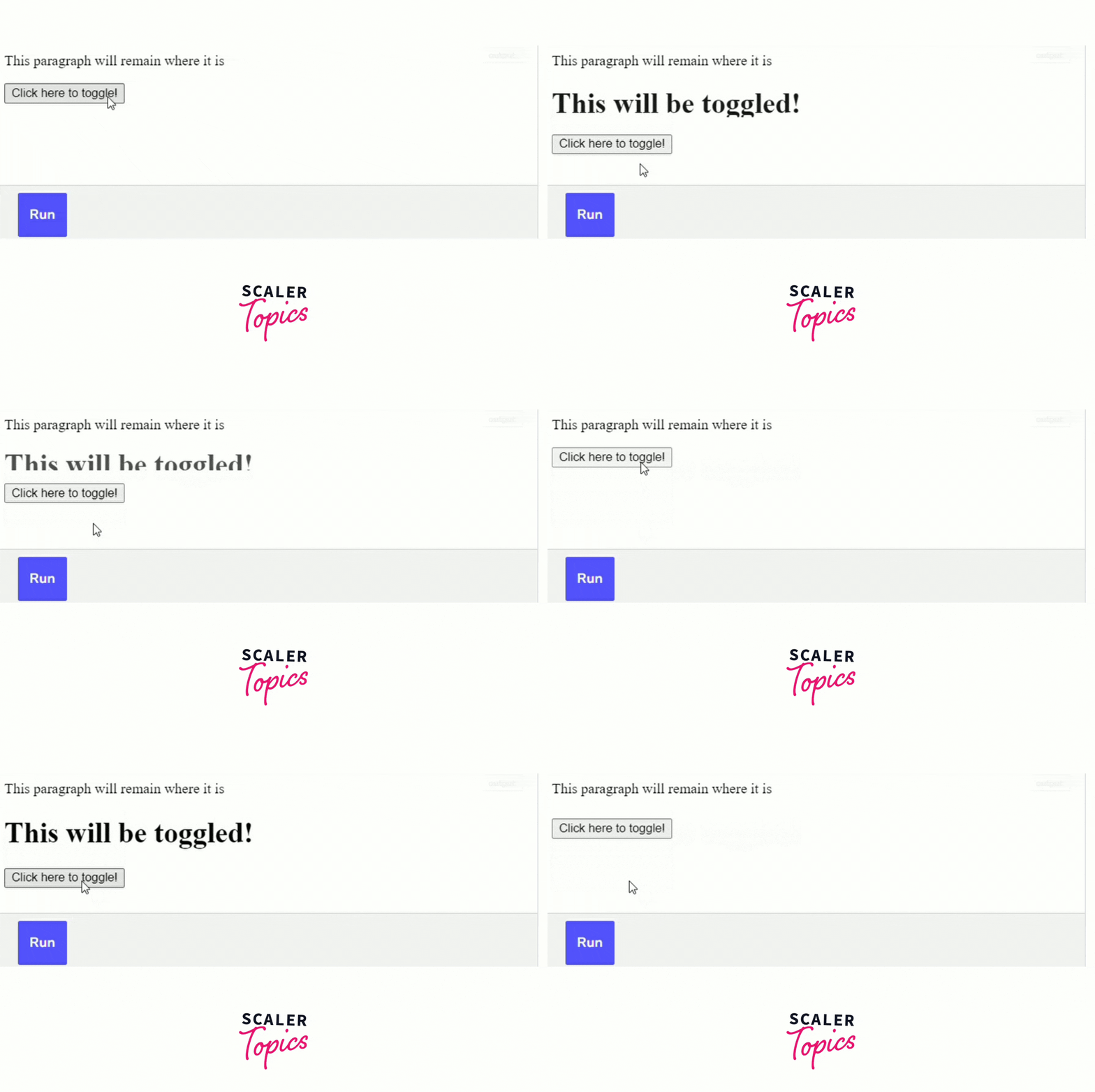
2. Adding Delay
In the program below, we are applying the toggle method on the heading with the help of a button.
Turn Learning into Career Growth
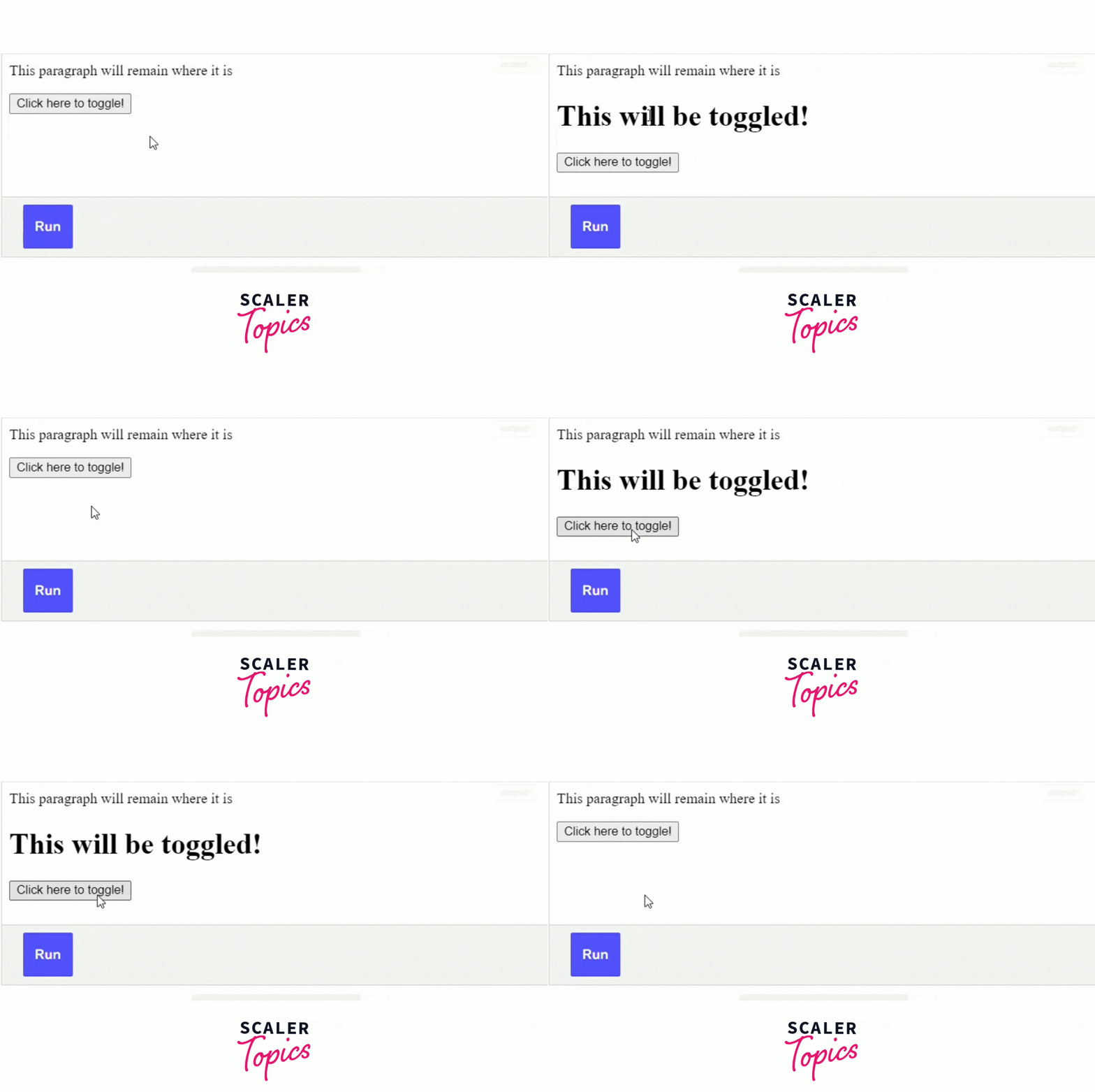
3. Adding Delay without Using Numbers
In the program below, we are applying the toggle method on the heading with the help of a button.
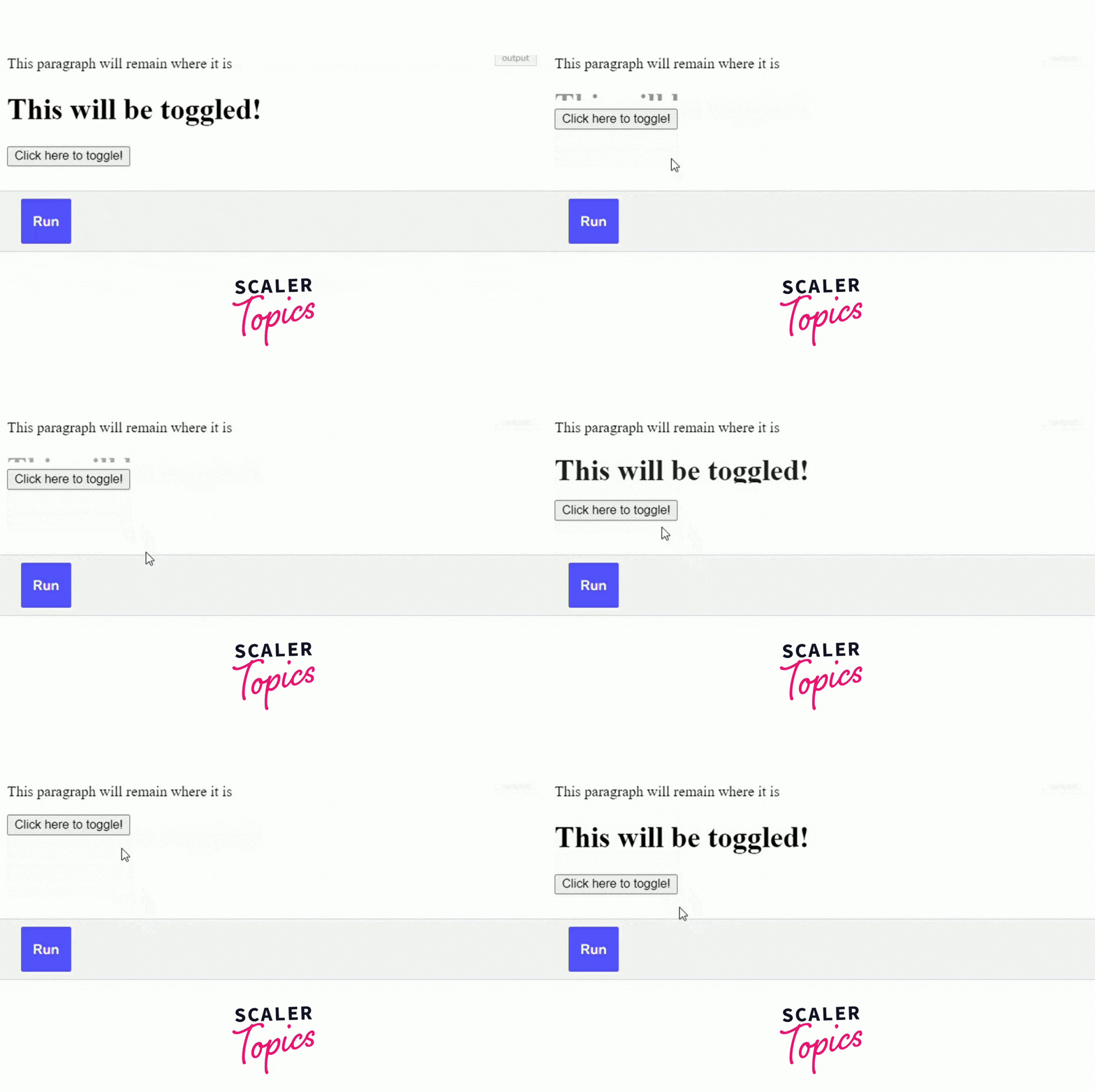
4. Using the Easing Property
In the program below, we are applying the toggle method on the heading with the help of a button.
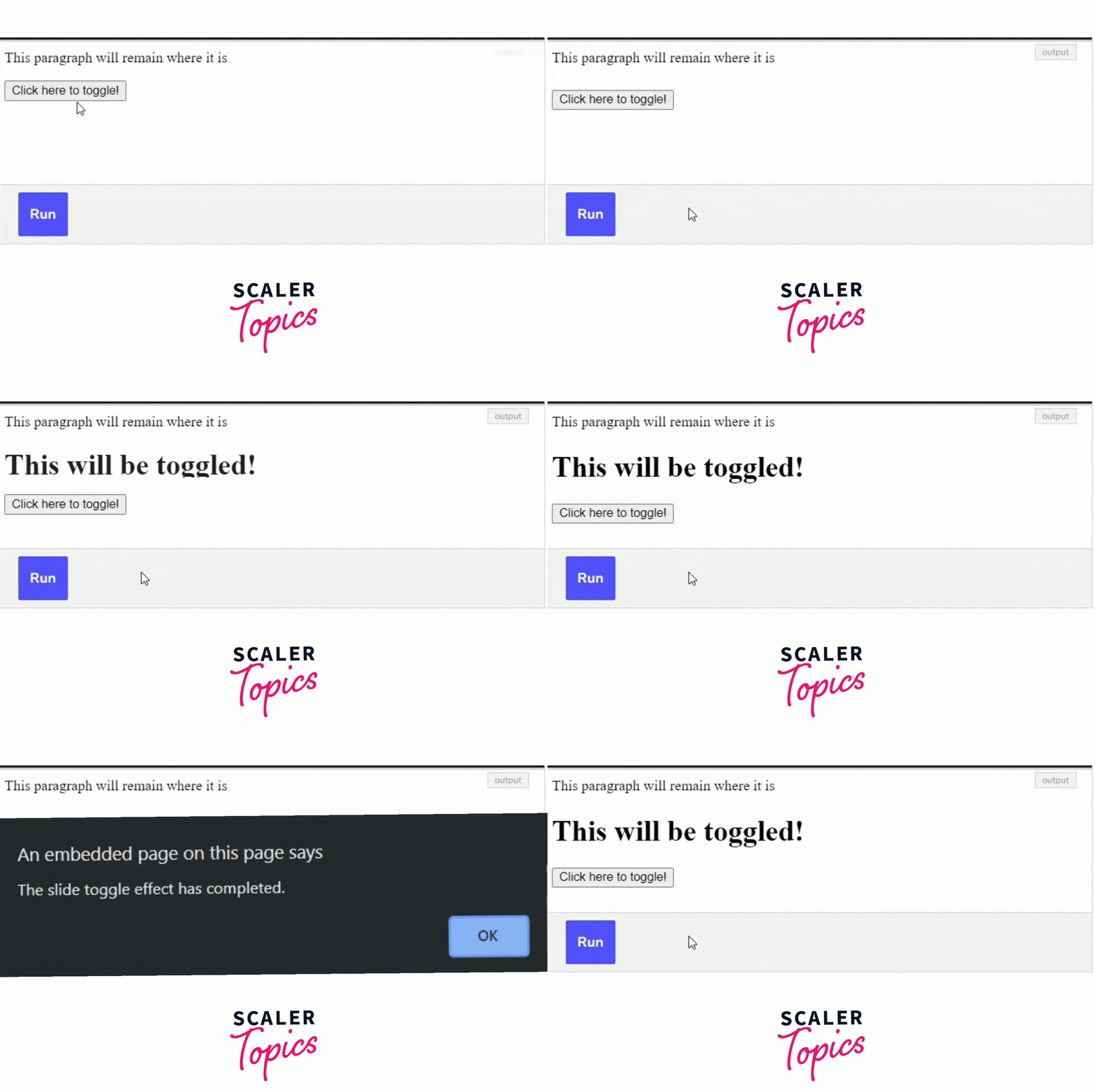
5. Using Callback
Let us see how we can implement the callback function after the successful completion of a toggle method in jQuery.
Conclusion
In a nutshell, the toggle method in jQuery is used to provide a toggle effect on the desired element. jQuery also provides various additional options by which we can modify the toggle methods according to our requirements. We have mentioned some frequently used toggle examples above and there are many more possibilities. Now it’s your turn to create some amazing toggling effects!!




