


How to Upgrade Python Version?
 FREE
FREE

How to Upgrade Python Version?
Python is a high-level, open-source, and object-oriented popular programming language used to create and design websites and software, and build machine learning applications. Alongside the once-a-year update that includes new features, and bug-fix, Python releases minor updates every few months. Since every new release comes with better functionality and features, it is vital to know how to upgrade the Python version. This article illustrates the different procedures to upgrade the Python version in the major operating systems - Windows, macOS, and Linux.
Build an AI-First Career, Master the Complete Skillset
Choose from our industry-leading programs designed for career success
Modern Software and AI Engineering Program
Master full-stack development with AI integration


 +1000 more
Modern Data Science and ML with specialisation in AI
Advanced data science techniques with AI specialization
+1000 moreAdvanced AIML with Specialisation in Agentic AI
Deep dive into AIML with focus on Agentic systems
+1000 moreDevOps, Cloud & AI Platform Engineering
Build and manage AI-powered cloud infrastructure
+1000 moreAI Engineering Advanced Certification by IIT-Roorkee
Premier AI engineering certification from IIT-Roorkee

AI Forward Deployed Engineer Program
Full-stack engineering, production AI and client-facing consulting
+1000 moreUpgrade Python Version on Windows
Using Python Installer
To update Python in Windows using the Python installer follow the mentioned steps.
- Step - 1 :
At the initial step, check whether an update is required. To find out the existing version, use the following command : python -V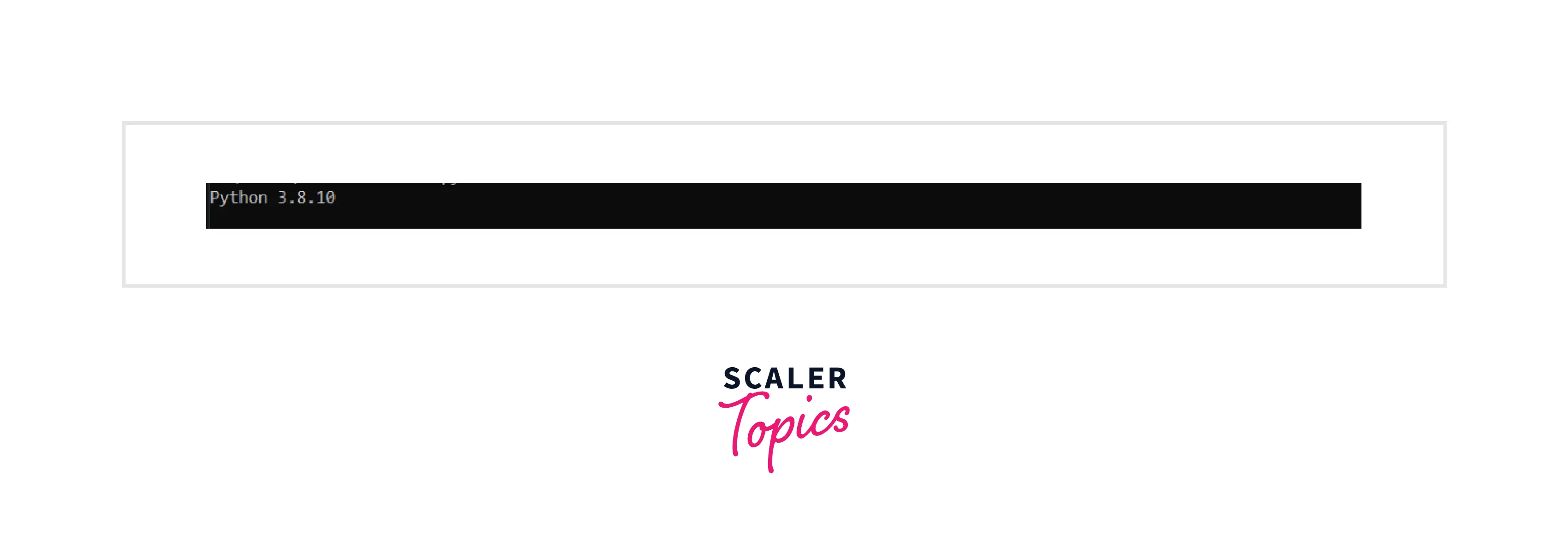
- Step - 2 :
Click on this link to download Python’s most recent installer.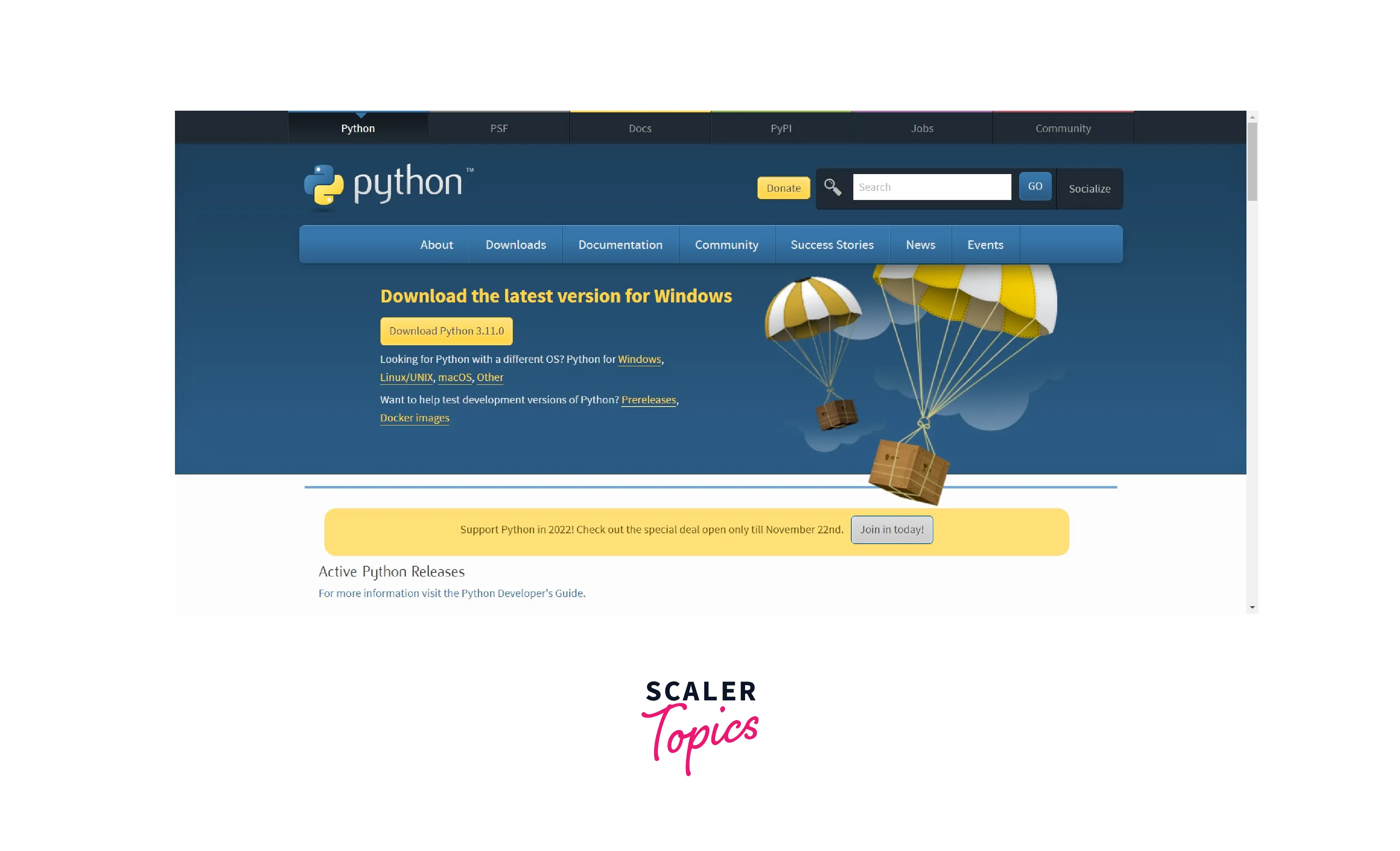
- Step - 3 :
Execute the Python installer by double-clicking on the downloaded file in the Downloads folder. - Step - 4 :
Tick the checkboxes and click “Install Now” for the installation to begin. - Step - 5 :
Finally confirm if Python has been upgraded using python -V.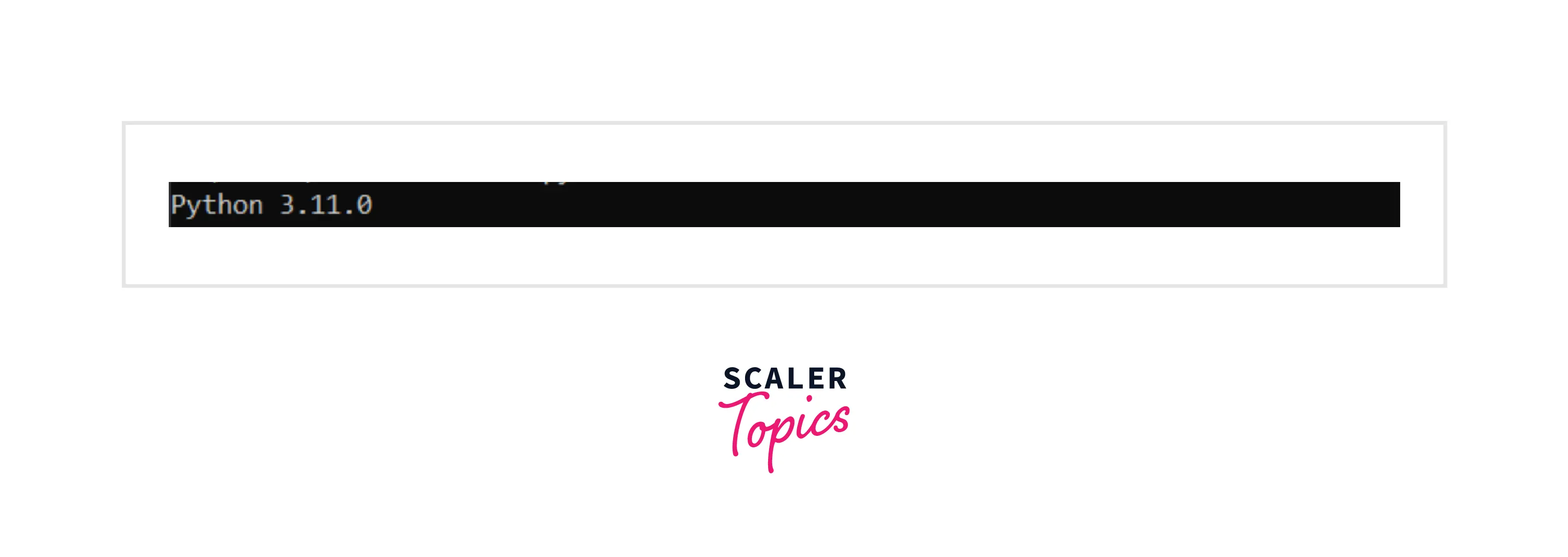
Using Chocolatey Package Manager
Chocolatey packages encapsulate everything required to manage a particular piece of software into one deployment artifact by wrapping installers, executables, zips, and scripts into a compiled package file. It can also upgrade the version of Python in Windows.
- Step - 1 :
Press Window+X to open the Power User menu. From the menu click on “Windows Terminal(Admin)” to open Windows PowerShell. - Step - 2 :
Use the following command to install the Chocolatey package manager.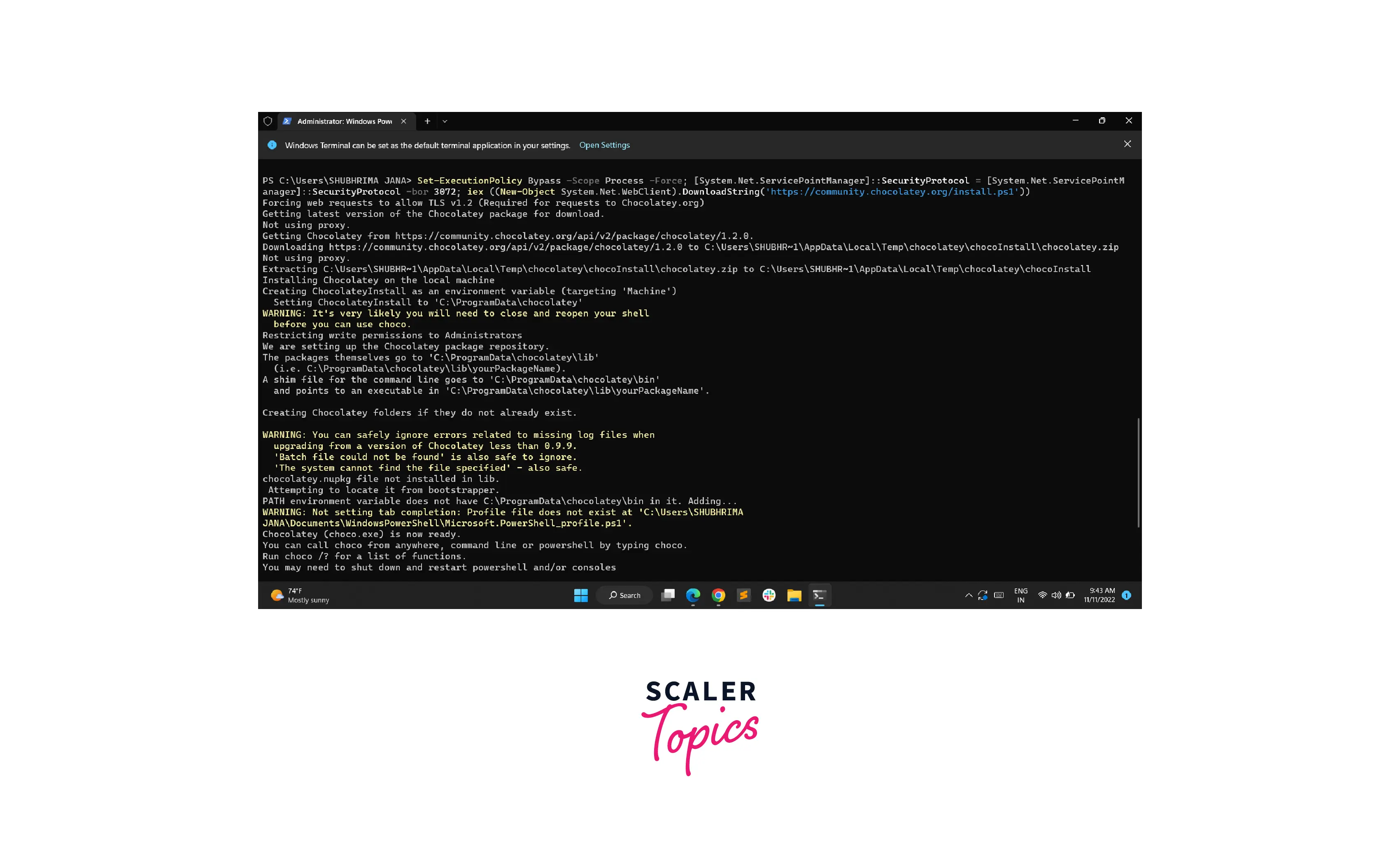
- Step - 3 :
Use the choco command to verify the installation.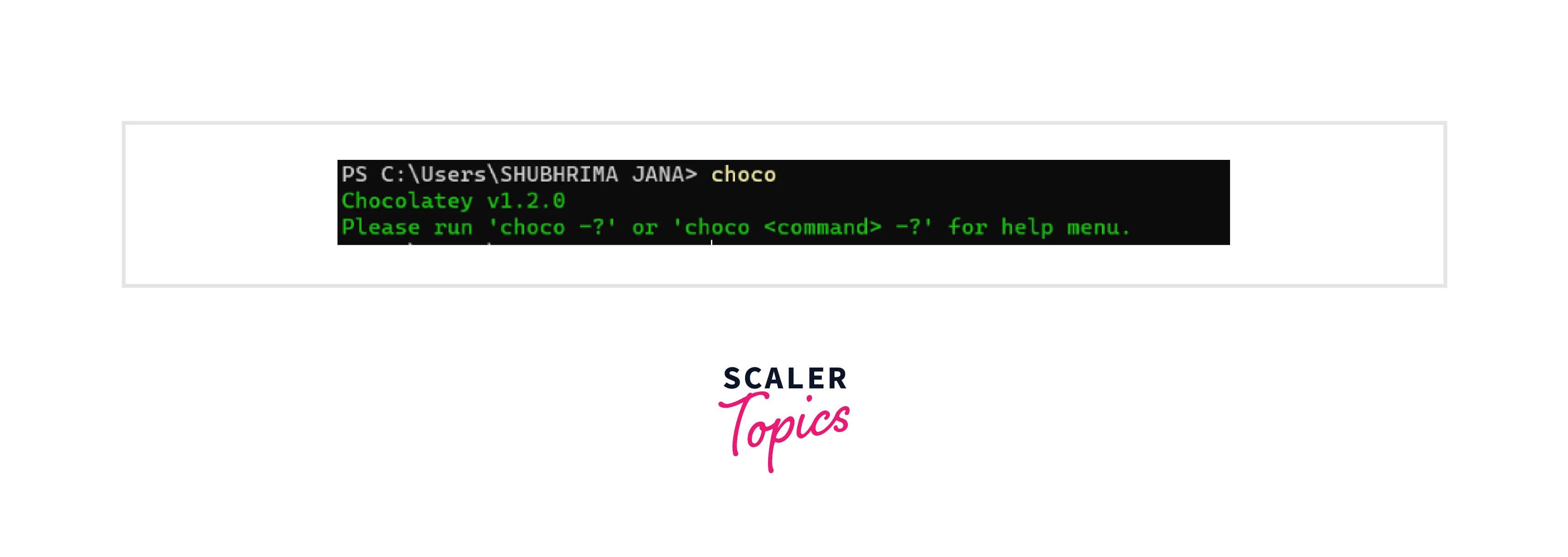
- Step - 4 :
Use the following command to upgrade an existing version of Python. In case Python does not exist, the command will install it first. choco upgrade python -y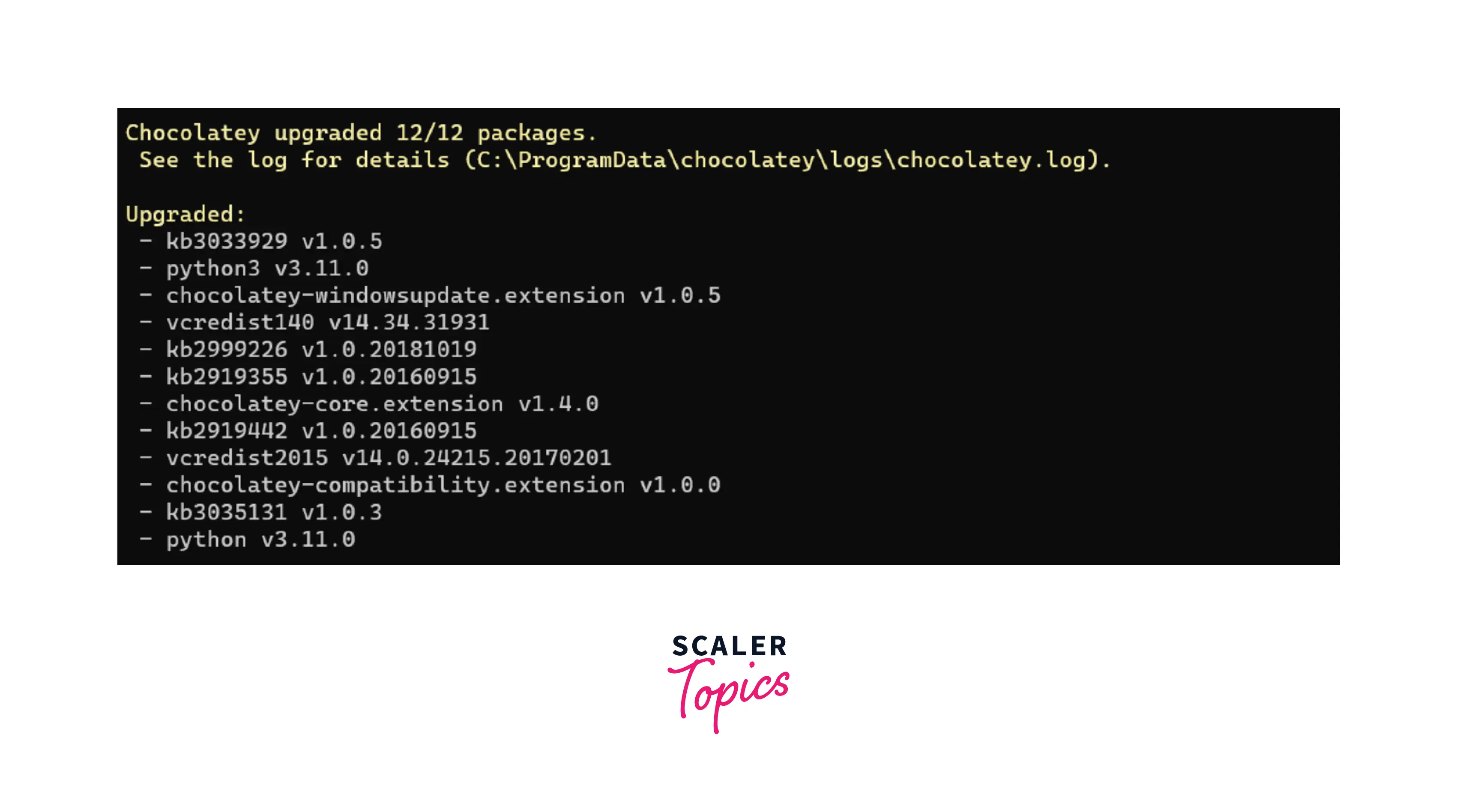
- Step - 5 :
Finally confirm upgradation usingpython -V.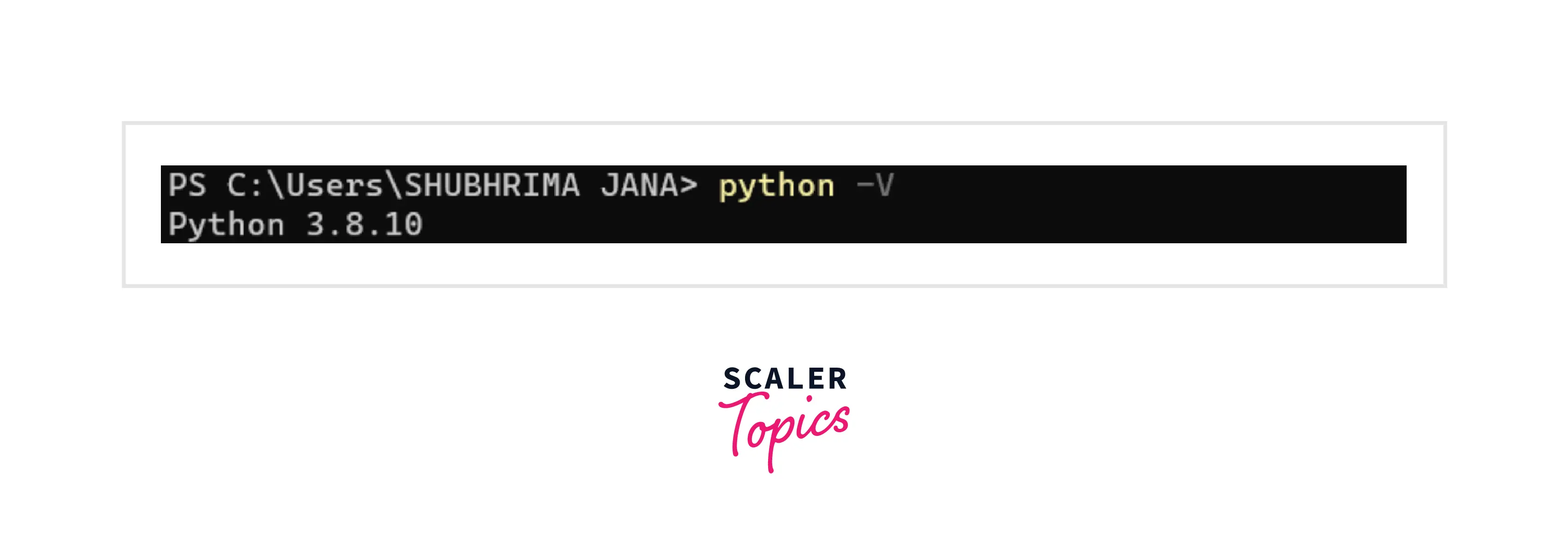
How Scaler Transformed Careers in Different Fields
Scaler learners achieved 2.5x salary growth with average post-Scaler CTC reaching ₹23L.
 Google
 Amazon
 Microsoft
 Flipkart
 Adobe1200+ more
Upgrade Python Version on Linux
- Step - 1 :
At the initial step, check whether an update is required. To check the existing version open the Terminal by pressing Ctrl+Alt+T and type the following command : python -V or python --version - You should get a similar output as shown below.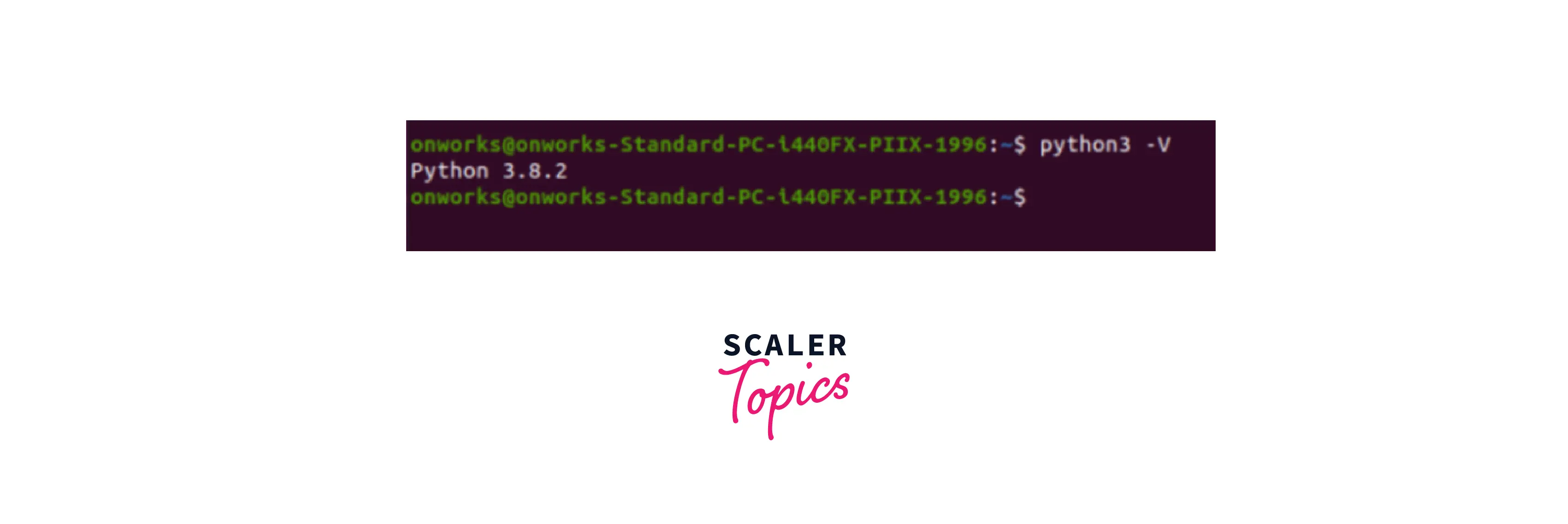
- Step - 2 :
At first configure the deadsnakes PPA to the machine. sudo add-apt-repository ppa:deadsnakes/ppa - Step - 3 :
If the machine does not have Python 3.9, update the apt cache and install the Python 3.9 package. sudo apt update - Step - 4 :
Install Python 3.9. When prompted, type Y to start the installation. sudo apt install python3.9 - Step - 5 :
Though Python will be installed, on checking the installation with the python3 --version command it will still return the old version. To fix this, Python 3 must be updated to point to Python 3.9. sudo update-alternatives --config python3 - Step - 6 :
From the list of options choose the version of Python you want Python 3 to point to using the right selection number. - Step - 7 :
To check if the changes have taken effect, recheck the version of Python. python3 --version
Upgrade Python Version on Mac
- Step - 1 :
At the initial step, check the current version of Python on your machine to see whether an update is required or not. To check the existing version using the following command : python --version - Step - 2 :
Since a Mac can support multiple versions of Python, you can update it by clicking on this link and downloading the installer. After downloading, run the file to complete the installation. - Step - 3 :
To confirm if the changes have taken effect, recheck the version of Python. python3 --version
Turn Learning into Career Growth
FAQs
Q. Which command checks the current version of Python in Windows, Linux, and macOS?
A. The command used to check the latest version of python on a machine is
- Windows : python --version or python -V
- Linux : python --version or python -V
- macOS : python --version
Q. Why is it important to upgrade the Python version?
A. Every new version of Python introduces developers to new features, better performance, new modules, additional functionalities, improvements in existing features, and removal of old unnecessary items and bugs. Thus, it is advised to upgrade Python to the latest version for smooth coding. Use this Free Python Compiler to compile your code.
Learn More
Conclusion
- Check the Python version with "python -V" command.
- Latest Python version can be downloaded from the official website.
- Release notes for each version are available on the official website of Python.
- Downgrading Python is possible, but can cause compatibility issues.
- Uninstall current version and install desired version to downgrade, and use a virtual environment.
Don't miss the chance to join our free Python certification course and earn a valuable Python certification at your own pace.




