


Horizontal Navigation Bar CSS
 FREE
FREE

Transform Your Career
Choose from our industry-leading programs designed for career success
Modern Software and AI Engineering Program
Master full-stack development with AI integration


 +1000 more
Modern Data Science and ML with specialisation in AI
Advanced data science techniques with AI specialization
+1000 moreAdvanced AIML with Specialisation in Agentic AI
Deep dive into AIML with focus on Agentic systems
+1000 moreDevOps, Cloud & AI Platform Engineering
Build and manage AI-powered cloud infrastructure
+1000 moreAI Engineering Advanced Certification by IIT-Roorkee
Premier AI engineering certification from IIT-Roorkee

Overview
The horizontal navigation bar CSS contains a list of links. A horizontal navigation bar CSS may be present above, below, left, or right of the header or logo on the website page. A horizontal navigation bar CSS is always placed before the main content of the page. We will use CSS properties like flex to make the navigation bar appear horizontal.
Pre-requisites
- Before creating a horizontal navigation bar CSS, you should know about HTML and CSS.
- You should have proper knowledge of important tags that are used for creating the horizontal navigation bar CSS, such as the <nav> tag and <ul> tag.






Approach
-
Start with the following HTML document containing an unordered list
We will start with the HTML document that contains an unordered list of elements and a nav tag to provide navigation links, either within the current document or to other documents. This will provide us with the structure of the horizontal navigation bar CSS, and after that, we will use properties like flex to make the navigation bar appear horizontally.
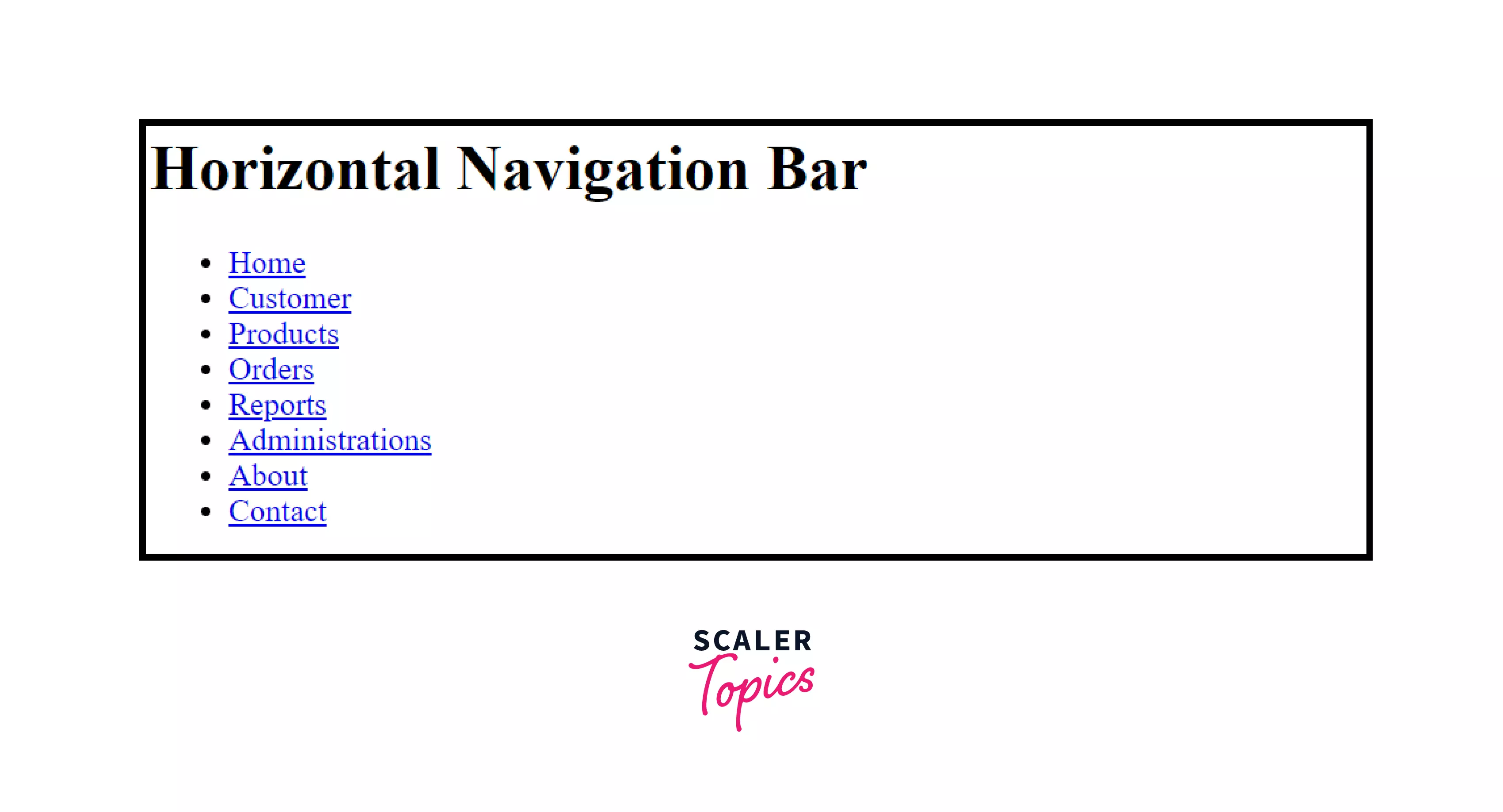
The image given below would be the output of the above code. Here <ul> represents an unordered list of items, typically rendered as a bulleted list.
-
Create a file for an external stylesheet and link it to the HTML
Now we will link our HTML page with the external CSS so that we can make our navigation menu more interactive. The tag defines the relationship between the current document and an external resource. The tag is most often used to link to external style sheets. See the command given below.
-
Removing the default list style To remove the default list style from the CSS, go inside the stylesheet and remove it. The removal of the list of bullets is not a complex task using CSS. It can be easily done by setting the CSS list-style or list-style-type property to none.
-
Set the width and margins of the menu For the ID horBar, we have provided some margin and width. Then assign a font family called sans-serif.
-
The finished CSS The list items will now be set to display as blocks. In order for them to display to the right of the previous item, we will give them each a width and float them to the left.
Convert the <a> tag elements to block elements. Moreover, we'll use text-decoration: none to remove the underlining and add a few formatting styles.
To make the links more interactive, we will change the link's hover state so that when we hover on the links, they will highlight.
Now that we have done with the complete CSS let's see the finished code of the CSS.
CSS
Scaler Placement Report and Statistics
Scaler learners achieved 2.5x salary growth with average post-Scaler CTC reaching ₹23L.
 Google
 Amazon
 Microsoft
 Flipkart
 Adobe1200+ more
Example:
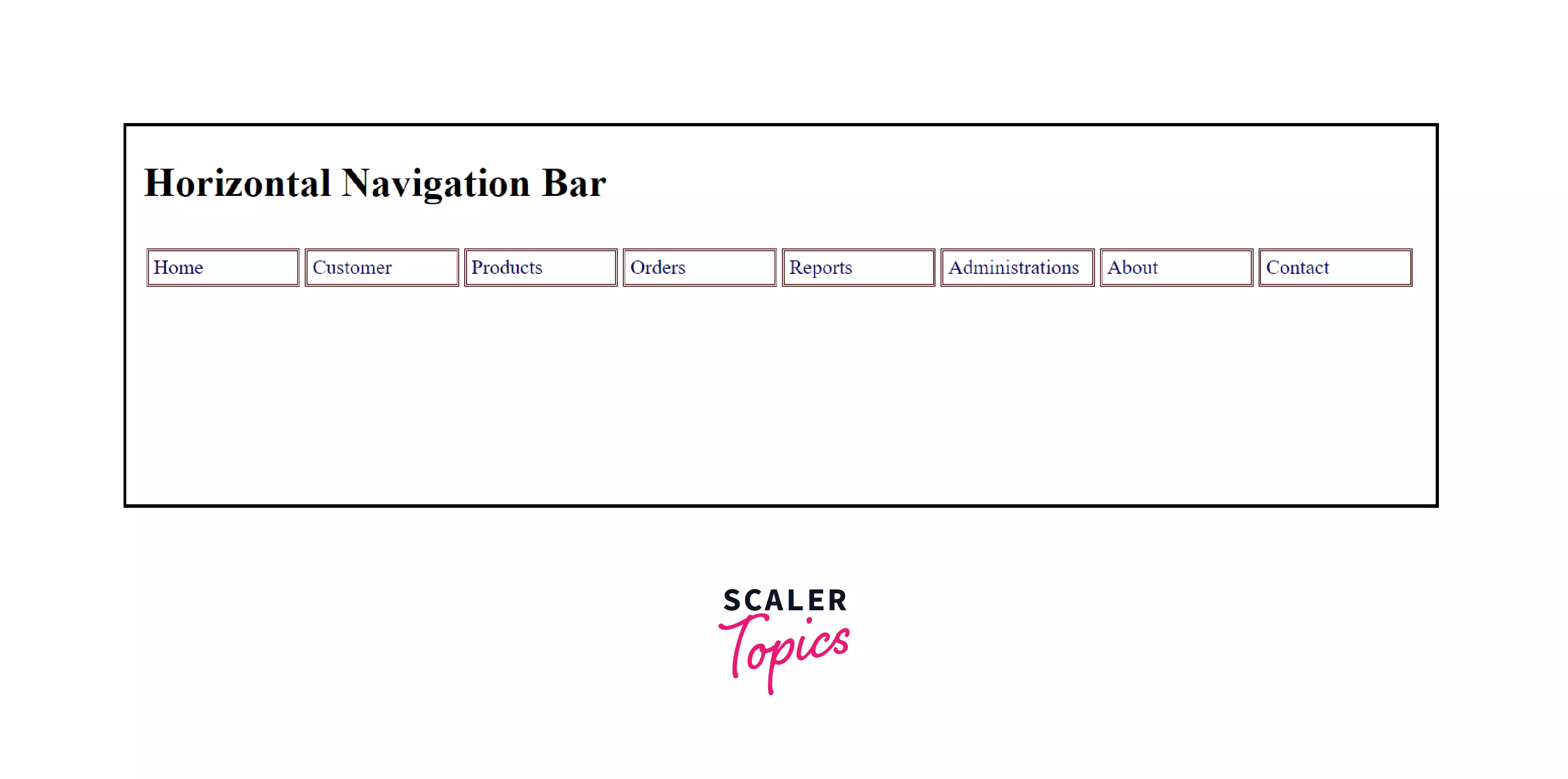
Let's see the complete HTML, CSS code, and the final result.
HTML:
CSS
Output:
Conclusion:
Let's have a look at the conclusion of our topic: How to create a Horizontal Navigation Bar in HTML and CSS?
- We have seen how we can create a horizontal navigation bar CSS using HTML and CSS.
- We have talked about the important tags that are used for creating the horizontal navigation bar CSS, such as the <nav> and <ul> tags.
- We have used properties like flex to make the navigation bar appear horizontally.
- The tag defines the relationship between the current document and an external resource.




