


How Many Heading Tags are There in HTML?
 FREE
FREE

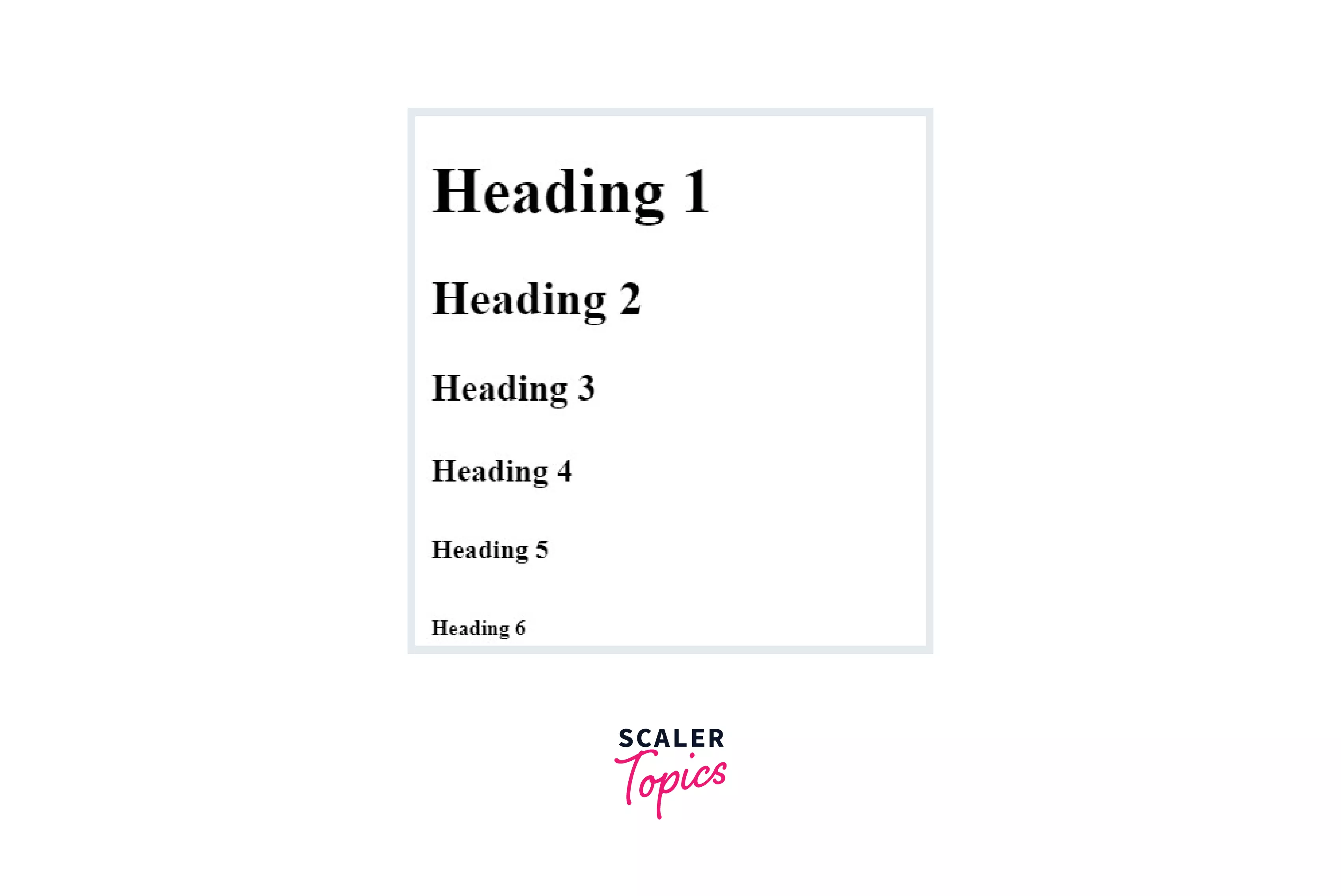
There are six levels in the heading tag in HTML. They have decreasing order of importance/level starting from 1 to 6. Heading tags in HTML are used to give a title or subtitle to the section on the webpage.
The font size decreases from <h1>
Syntax :
The headings are defined as <h1>, <h2>, <h3>, <h4>, <h5>, <h6>, and as HTML heading tags are non-void elements, they must be terminated by using the same tag having a slash in front </h1>. In between the tags, the text is written, which will have different properties according to the heading selected.
Build an AI-First Career, Master the Complete Skillset
Choose from our industry-leading programs designed for career success
Modern Software and AI Engineering Program
Master full-stack development with AI integration


 +1000 more
Modern Data Science and ML with specialisation in AI
Advanced data science techniques with AI specialization
+1000 moreAdvanced AIML with Specialisation in Agentic AI
Deep dive into AIML with focus on Agentic systems
+1000 moreDevOps, Cloud & AI Platform Engineering
Build and manage AI-powered cloud infrastructure
+1000 moreAI Engineering Advanced Certification by IIT-Roorkee
Premier AI engineering certification from IIT-Roorkee

AI Forward Deployed Engineer Program
Full-stack engineering, production AI and client-facing consulting
+1000 moreAttributes
It supports tag-specific attributes such as align (center, left, right) and also includes the global attribute such as class, id, etc.
Heading Vs. Paragraph
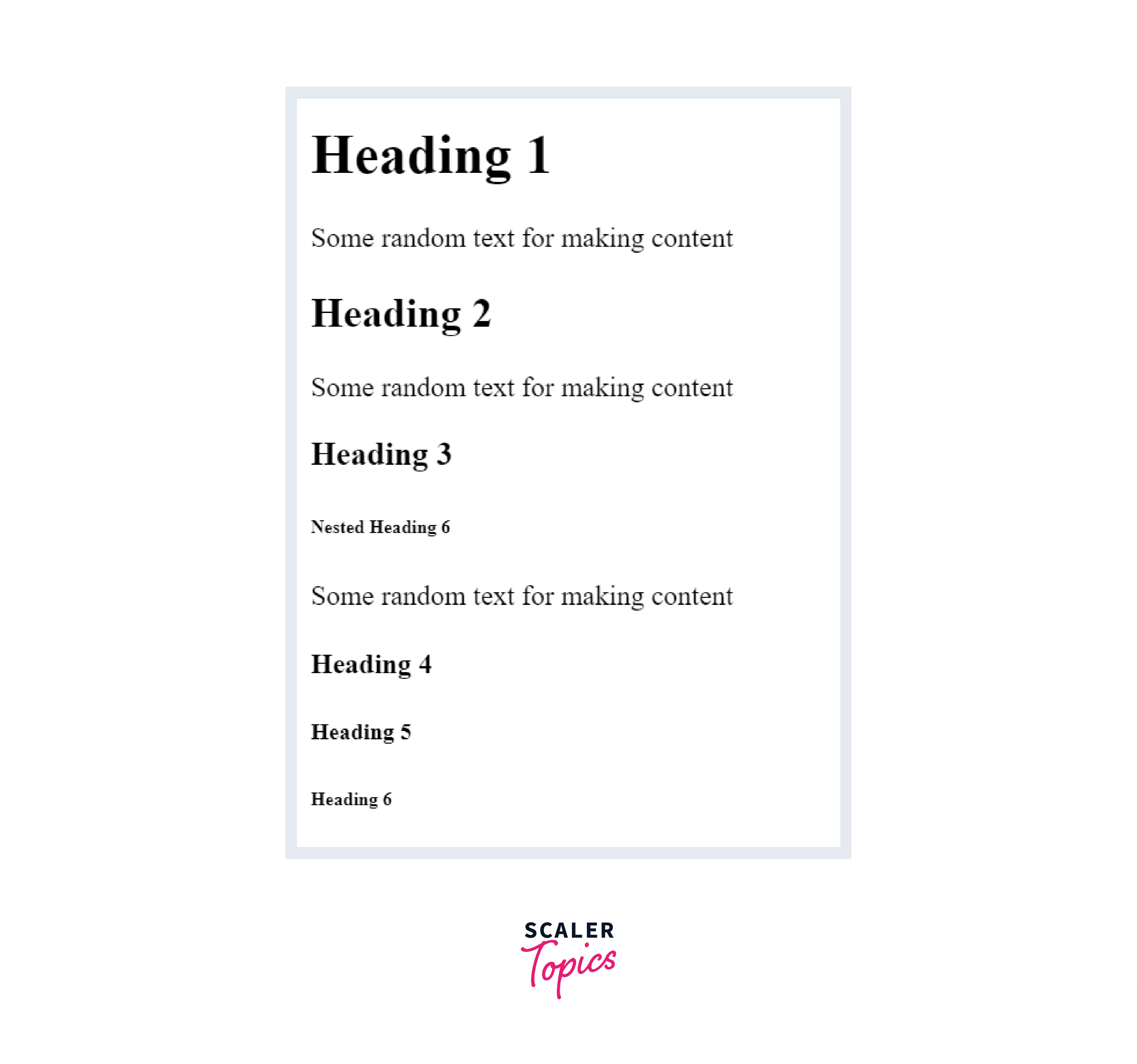
Heading tags are of six levels starting from <h1> to <h6>. They are used to highlight the important point that we are going to learn in the content written below.
The paragraph tag is defined by using the <p>...</p> tags. The content(text) written between the opening and closing tag is shown as the paragraph to the heading. A paragraph tag is generally used for the body(content) inside the heading.
For more details, follow the Heading and Paragraph Tags in HTML article on Scaler Topics.
Heading Tags Usage
Search engines and users both use the headings to go through the website h1 should be used to show the main keyword of the webpage. Others can be used for the subheadings.
Heading tags should only be used for the title or subtitle purpose, not to make any word/sentence bold or bigger.
We should maintain the hierarchy of the level of heading tags. There should be only one h1 tag in the article, as h1 is generally used to give the main keyword to the whole content.
How Scaler Transformed Careers in Different Fields
Scaler learners achieved 2.5x salary growth with average post-Scaler CTC reaching ₹23L.
 Google
 Amazon
 Microsoft
 Flipkart
 Adobe1200+ more
Multiple <h1> Elements on One Page
We can use multiple <h1> HTML tags in a webpage, but usually, it is considered to have only one h1 tag, as the h1 tag indicates the main content of the webpage and makes it look more structured.
h1 tag is the highest level heading tag that has the largest default size. So, it should be used to show the most important text(heading) of the webpage. h1 tag should be used carefully as it can also impact the SEO.
There is no strict limit to the use of the number of h1 tags. One can have multiple h1 tags and also can have nested h1 tags on a website.
Bigger Headings
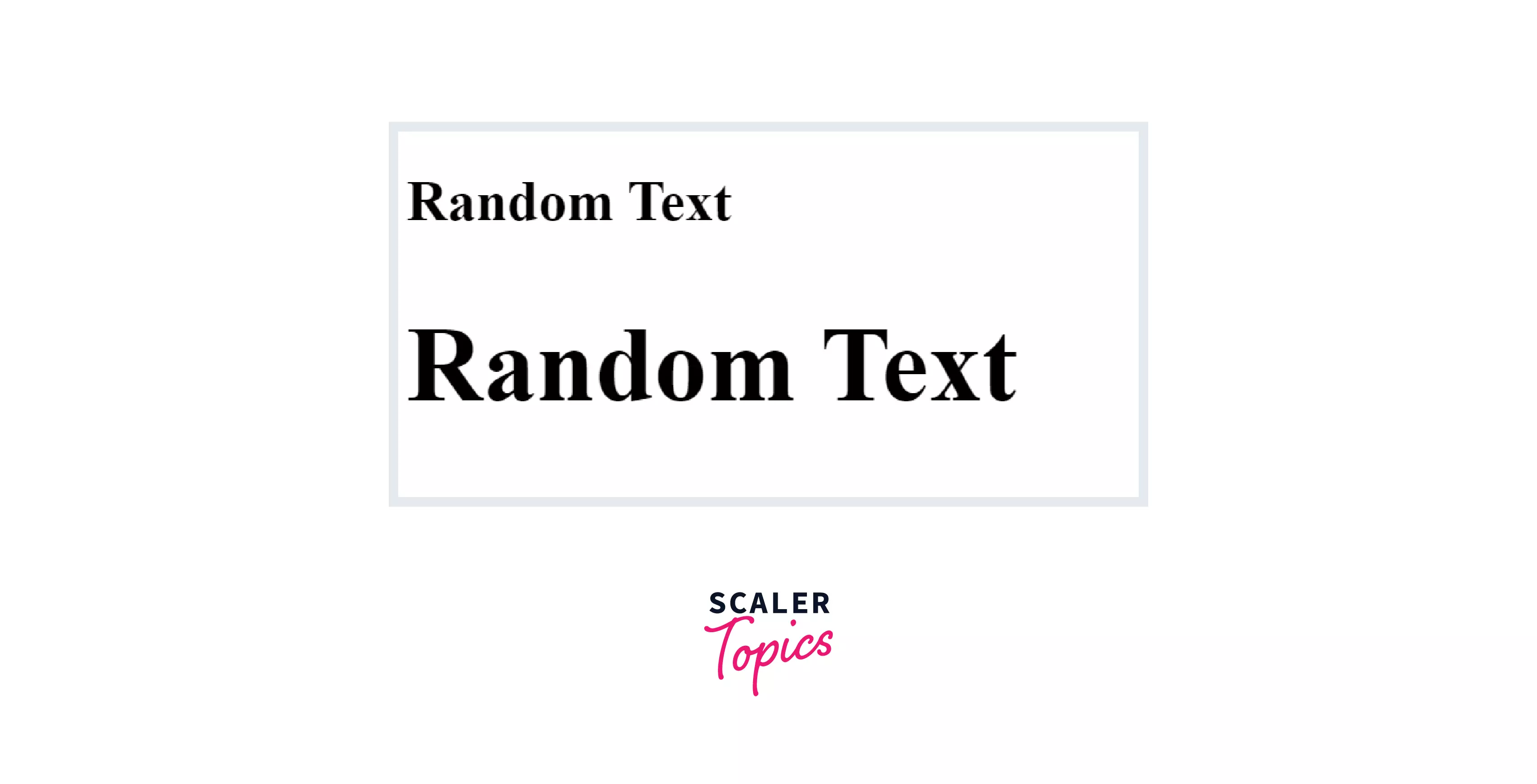
Each HTML heading tag has a definite size, but that can be altered using the font-size property in the style attribute.
Output:
Turn Learning into Career Growth
Examples
Output:
Output:
Supported Browser
| Element | Chrome | Safari | Opera | Firefox |
|---|---|---|---|---|
| <h1> - <h6> | yes | yes | yes | yes |
Conclusion
- There are six levels in the heading tag in HTML. They have decreasing order of importance/level starting from 1 to 6.
- HTML heading tags are non-void elements. If they are opened, they must be closed.
- It is recommended to have only one <h1> tag in the webpage, as it indicates the content of the webpage, and also, h1 is an important part of SEO.
- The bigger size of the heading tag can be achieved by using the style attribute of the CSS.




