


How to Create an HTML Download Link?
 FREE
FREE

Downloading files refers to receiving information from a server so that later on it can be viewed offline. Millions of downloads take place every day. A download link on a website is used to download a specific file when the user clicks on it. The anchor <a> tag along with its href and download attributes assist in implementing this feature. The file to be downloaded can be a pdf, zip, jpg, png, doc, etc.
Transform Your Career
Choose from our industry-leading programs designed for career success
Modern Software and AI Engineering Program
Master full-stack development with AI integration


 +1000 more
Modern Data Science and ML with specialisation in AI
Advanced data science techniques with AI specialization
+1000 moreAdvanced AIML with Specialisation in Agentic AI
Deep dive into AIML with focus on Agentic systems
+1000 moreDevOps, Cloud & AI Platform Engineering
Build and manage AI-powered cloud infrastructure
+1000 moreAI Engineering Advanced Certification by IIT-Roorkee
Premier AI engineering certification from IIT-Roorkee

Syntax
Download Restrictions
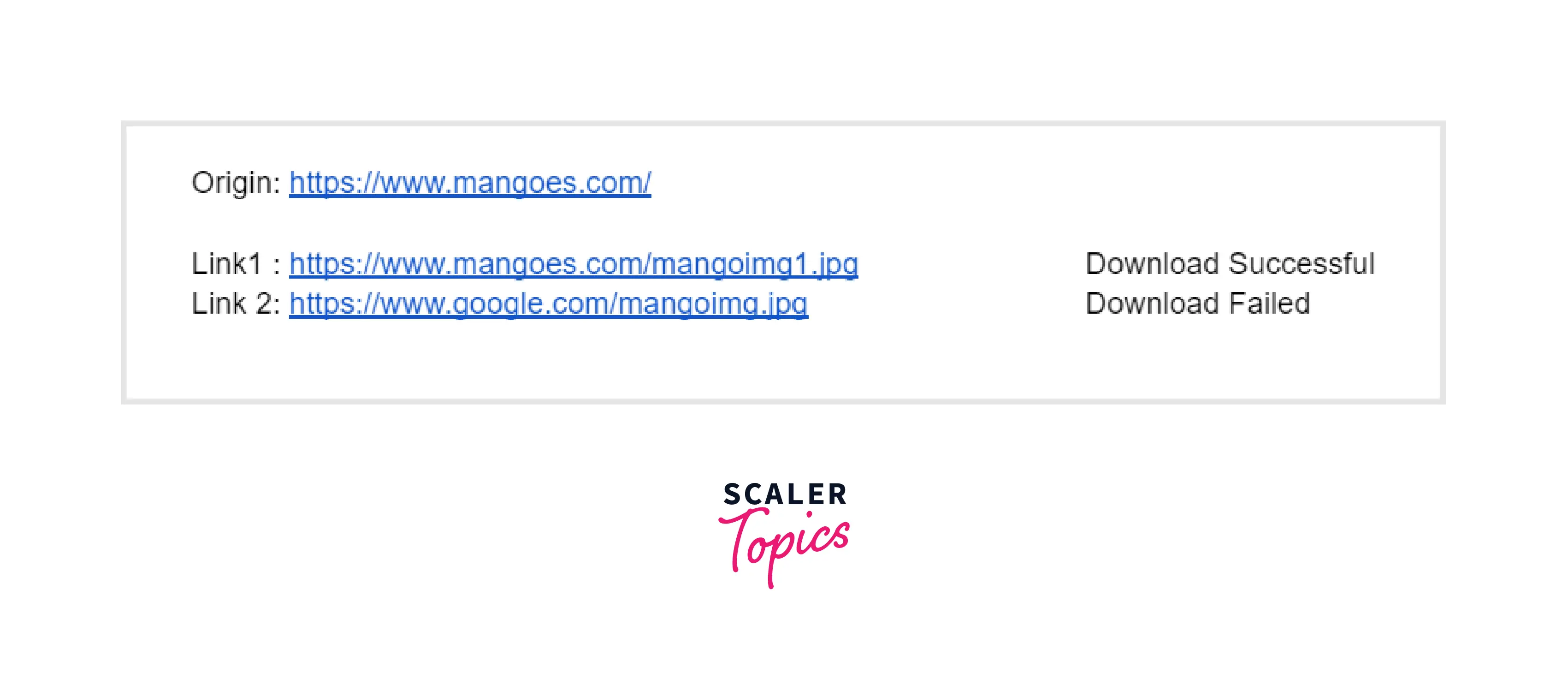
The download attribute works for same-origin URLs, that is only files that belong to that website can be downloaded. In simple terms, if href does not have the same origin as the site, the file won't be downloaded.






What is the Same-Origin Policy?
The same-origin policy is a security mechanism that removes documents that might cause cyber threats. The policy helps users to download only those files that are from the origin site.
Scaler Placement Report and Statistics
Scaler learners achieved 2.5x salary growth with average post-Scaler CTC reaching ₹23L.
 Google
 Amazon
 Microsoft
 Flipkart
 Adobe1200+ more
Example: How to Create a Downloadable Link
HTML download link is created using the <a> tag. The value of the href property is set to the location of the file to be downloaded, and a download attribute is added. The new filename of the downloaded file can be set as the value for the download attribute. The original filename is used if no value is specified.
Code
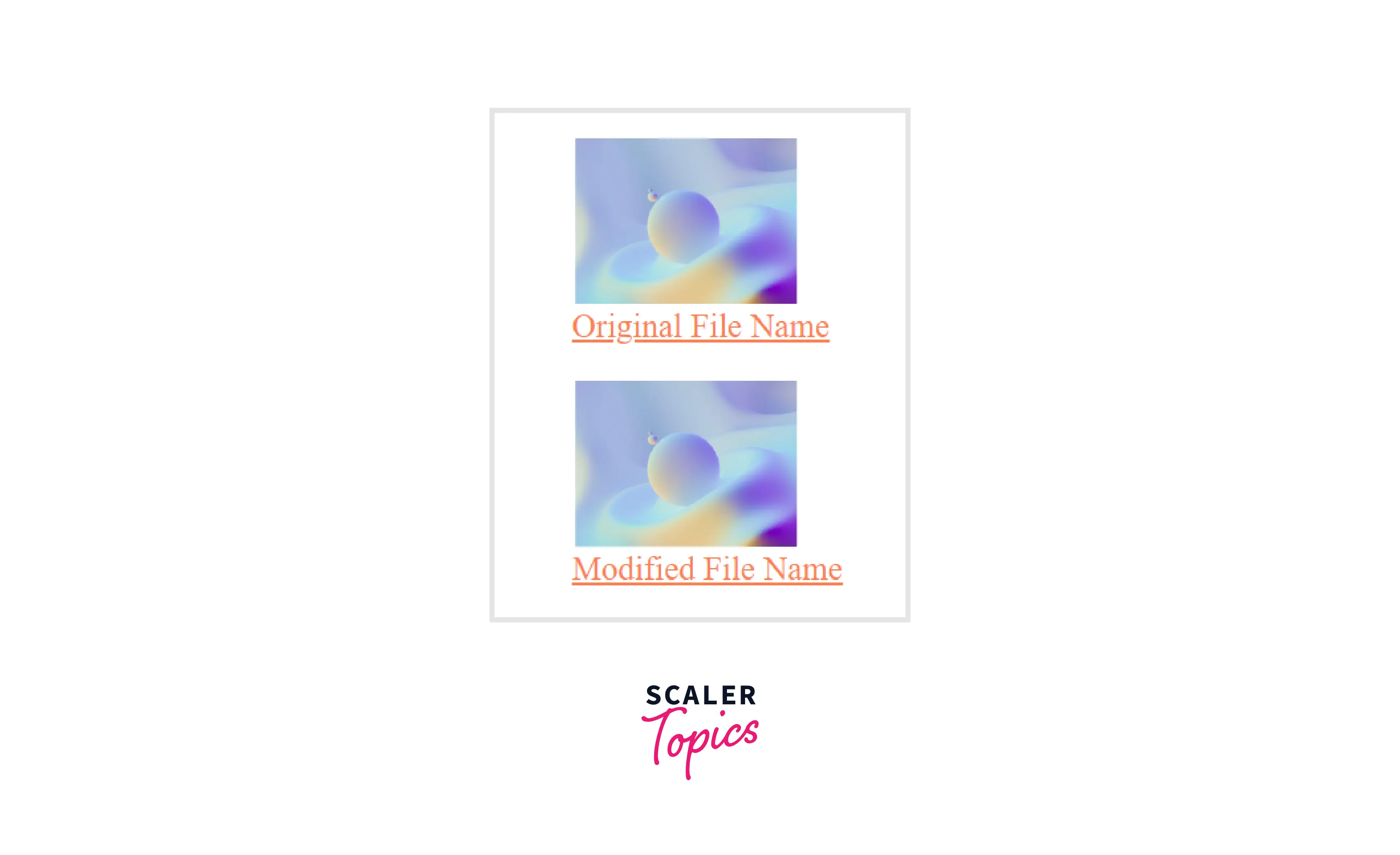

The property supports all file extensions, and the browser detects it (.img, .pdf, .txt, .html, etc.).
Users can right-click on the link and choose 'Save As' from the list of options to download the file to their local system.
Note: Before creating the download link, ensure that the file is uploaded to the specified location.
ZIP File Download Link
MP3 File Download Link
PDF File Download Link
Browser Support
HTML download link is supported by the following browsers.
- Google Chrome
- Firefox
- Microsoft Edge
- Safari
- Opera
Turn Learning into Career Growth
Learn more
Conclusion
- A download link helps to download a file from the server to the browser's directory on the local disk.
- The download attribute is used after the href attribute, to make the link downloadable.
- If a value is assigned to the download attribute, it becomes the new filename of the downloaded file. The original filename is used if no value is specified.
- There are no restrictions on the file extension type of the file to be downloaded (.img, .pdf, .txt, .html, etc.).
- The download attribute ensures security by permitting only same-origin URLs, that is only files that belong to that website can be downloaded.