


What is an Image Link In HTML?
 FREE
FREE

note: An image link in HTML is an image that can act like a hyperlink and can point us to another location.
Suppose we are reading an article on the internet that has it. Suppose we click on an image and then redirects us to a different page. In this case, the image is acting as an image link in an HTML document.
The idea behind the image link in HTML is basically to wrap an image writing the anchor tag such that it starts acting like a link.
Syntax
The <img> tag is enclosed within the <a> tag. And all together these two are used to create an image link in HTML.
- The src attribute takes the location of the image.
- The href attribute takes the destination location for of link.
Note the img and the a tag can also accept the attributes like *width, height, etc.
Build an AI-First Career, Master the Complete Skillset
Choose from our industry-leading programs designed for career success
Modern Software and AI Engineering Program
Master full-stack development with AI integration


 +1000 more
Modern Data Science and ML with specialisation in AI
Advanced data science techniques with AI specialization
+1000 moreAdvanced AIML with Specialisation in Agentic AI
Deep dive into AIML with focus on Agentic systems
+1000 moreDevOps, Cloud & AI Platform Engineering
Build and manage AI-powered cloud infrastructure
+1000 moreAI Engineering Advanced Certification by IIT-Roorkee
Premier AI engineering certification from IIT-Roorkee

AI Forward Deployed Engineer Program
Full-stack engineering, production AI and client-facing consulting
+1000 moreHow to Use an Image as a Link in HTML?
Now that we've known what is an image tag in HTML, let us see how to create an image tag in HTML. To create an image tag in HTML, we should go through the following steps:
- Step 1: In the first step we will create the structure for our HTML page. In this step, we will create a file (e.g. index.html). In this step, we'll add the following HTML code.
- Step 2: Now the second step will be adding the image to our HTML document. We will use the img tag to add images to our HTML document.
Here we have used the <img> tag with src="img.png" where img.png is the link to the image location.
- Step 3: In this step, we will add a link to the image. For this, we will wrap our img tag within the a tag.
Here we have used the <a> tag with href="https://html.com/document/" where https://html.com/document/ is the link to the destination location.
Now our image can be used as a link in an HTML document.
More Ways to Create an Image Link in HTML
Now that we've learned how to create an image link in HTML by using anchor and image tags, we will see a few more methods to create an image link in HTML.
Image and Text as a Link
We have learned how to use images as links in HTML. But what if we have to add text along with images and use both as links?
We can use both images and text together as a link for a certain destination location in HTML. For this, we need to add the desired text within the <a> tag.
Example:
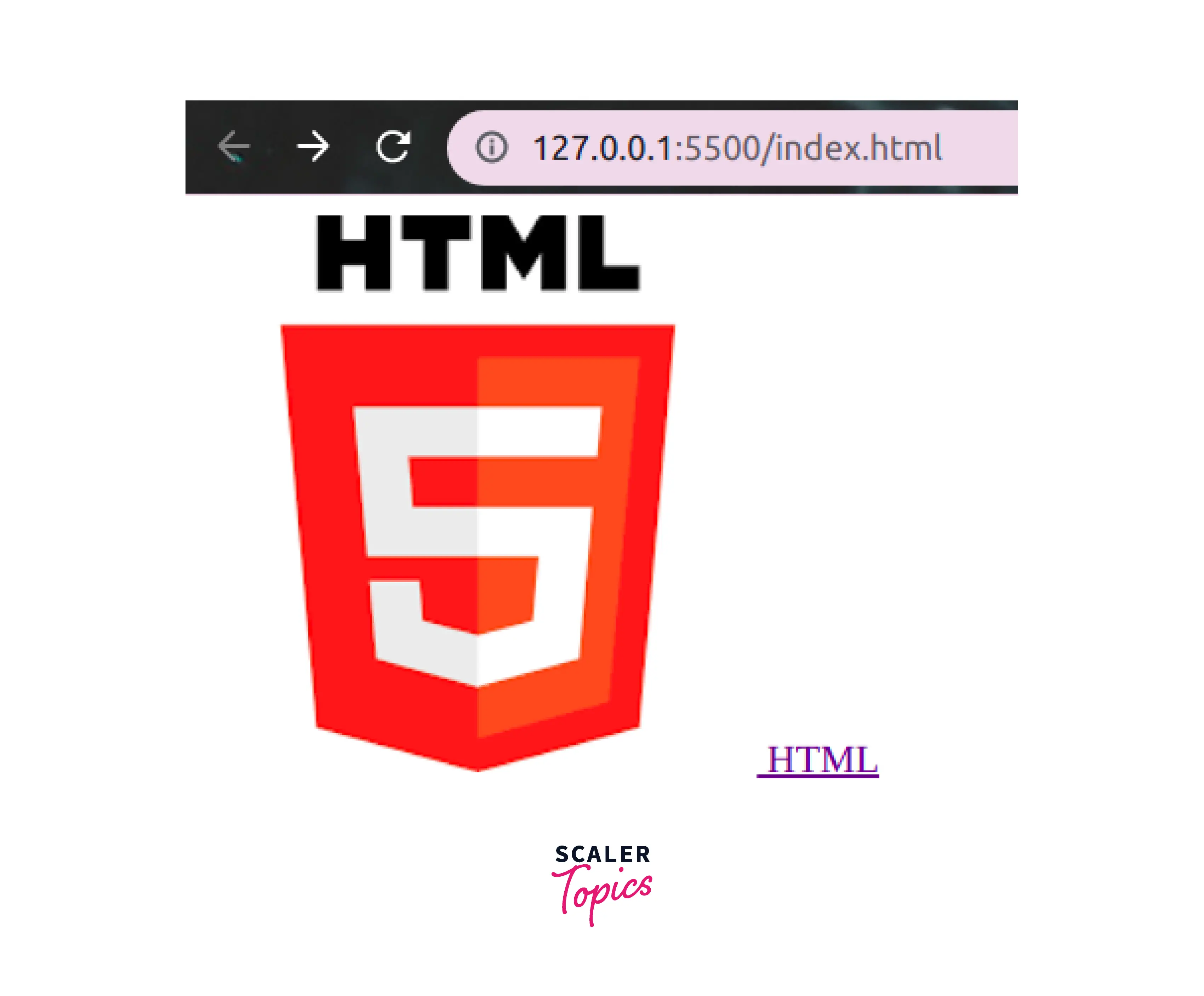
How Scaler Transformed Careers in Different Fields
Scaler learners achieved 2.5x salary growth with average post-Scaler CTC reaching ₹23L.
 Google
 Amazon
 Microsoft
 Flipkart
 Adobe1200+ more
Image as a Link using CSS (Advanced Technique)
In this section, we will learn how to create image links in HTML documents using CSS.
CSS can be used to implement images within the HTML document. This image can be added as a background-image for the <a> tag. Thus upon clicking on the image, we will reach the location specified.
Using a Button (Advanced Technique)
We can also use a button along with the image to create an image link in HTML. For this, we can create a button using the input tag and trigger a callback function. This callback function will be used to redirect us to the location address.
Turn Learning into Career Growth
Image Map (Advanced Technique)
We can use the image map technique to implement image links in HTML.
Learn more
Conclusion
- An image link in HTML is an image that can act as a hyperlink and can point us to another location.
- We can make image links in HTML using <a> tag and <img> tag.




