


<link> Tag in HTML
 FREE
FREE

Overview
HTML tags are like keywords define that how web browsers will format and display the content. The link tag is also an HTML tag that is used to embedded external resources to the HTML document using the link.
For example external style sheets, CSS files etc.
Build an AI-First Career, Master the Complete Skillset
Choose from our industry-leading programs designed for career success
Modern Software and AI Engineering Program
Master full-stack development with AI integration


 +1000 more
Modern Data Science and ML with specialisation in AI
Advanced data science techniques with AI specialization
+1000 moreAdvanced AIML with Specialisation in Agentic AI
Deep dive into AIML with focus on Agentic systems
+1000 moreDevOps, Cloud & AI Platform Engineering
Build and manage AI-powered cloud infrastructure
+1000 moreAI Engineering Advanced Certification by IIT-Roorkee
Premier AI engineering certification from IIT-Roorkee

AI Forward Deployed Engineer Program
Full-stack engineering, production AI and client-facing consulting
+1000 moreSyntax
Let's understand the syntax of the link tag in the HTML.
Attributes
The link tag supports multiple attributes. Let's understand them one by one.
| Attribute | Description |
|---|---|
| charset | The charset is used to define the encoding of liked document |
| href | The href takes the URL of the specific document that needs to be embedded in the HTML document |
| media | The media is used to specify the particular media that will be displayed on the HTML document. |
| rel | This attribute is used to define the relationship between the current document and the linked document |
| target | Target is used to specify the window of the linked document |
How To Use < link > tag In HTML?
Let's suppose if we want to link the external css in the HTML document for styling the various section of the HTML document, we will use the link tag.
The <link> tag is used in the <head> tag of the HTML document that is used to represent the header of the HTML document. Let's understand how to use the <link> tag in the HTML document using an example.
Example
How Scaler Transformed Careers in Different Fields
Scaler learners achieved 2.5x salary growth with average post-Scaler CTC reaching ₹23L.
 Google
 Amazon
 Microsoft
 Flipkart
 Adobe1200+ more
Use The <link> Tag And Declare The rel Attribute and type Attribute Inside Of The Tag In HTML
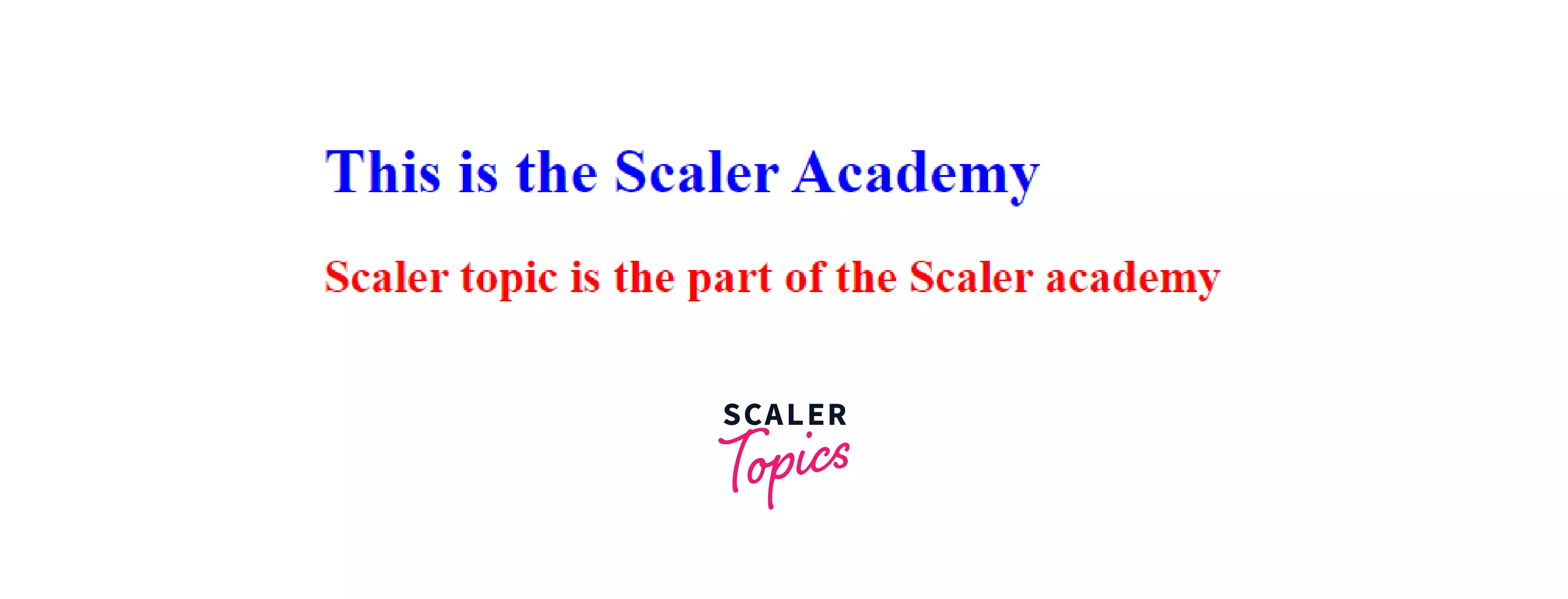
In the below example the html document linked to the external css file i.e style.css using the <link> tag in the <head> tag of the html.
Output
Including A Stylesheet
Let's understand how to include the stylesheet in the <link> tag of the HTML using an example.
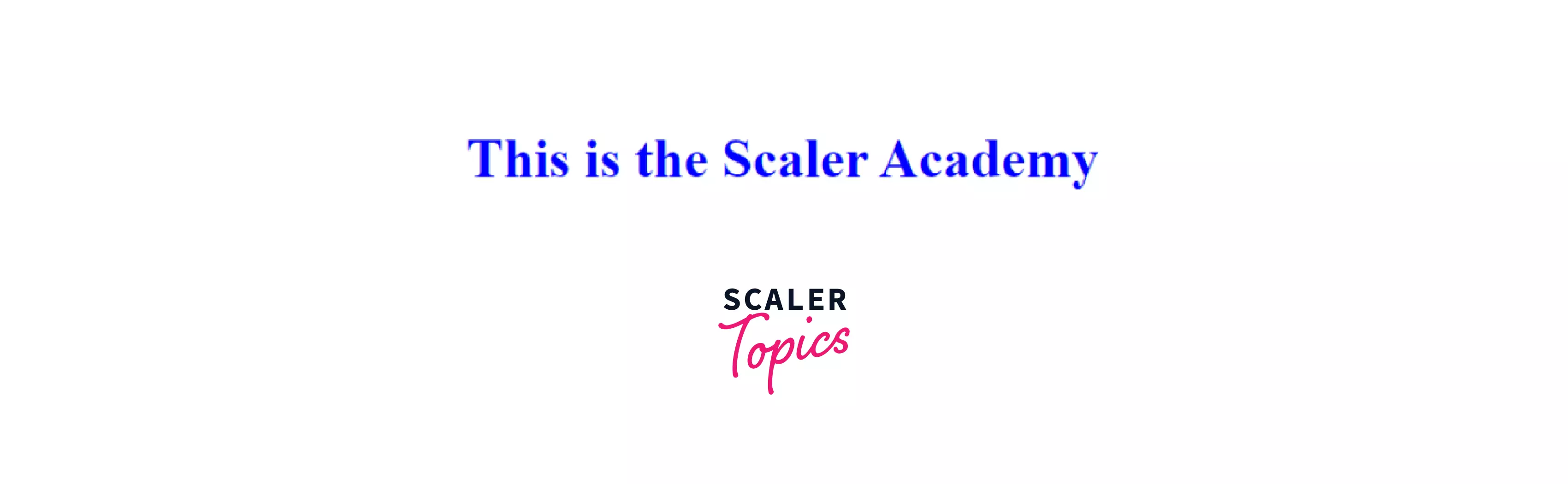
In the below example the HTML document linked to the external css stylesheet i.e style.css using the <link> tag in the <head> tag of the html.
Output :
Turn Learning into Career Growth
Providing Alternative Stylesheets
We usually use One stylesheet for our HTML code to add a different kind of CSS style, but the HTML document doesn't need to have a single style HTML document there can be different style documents on the basis of the user choice.
Let's understand this using an example.
In the below example, we can see the style of the document can change according to the user choice, Whether the user can choose the No Style, Default Style, or Simple style.
To perform this task we will use the rel=" alternative sheet" to perform this task.
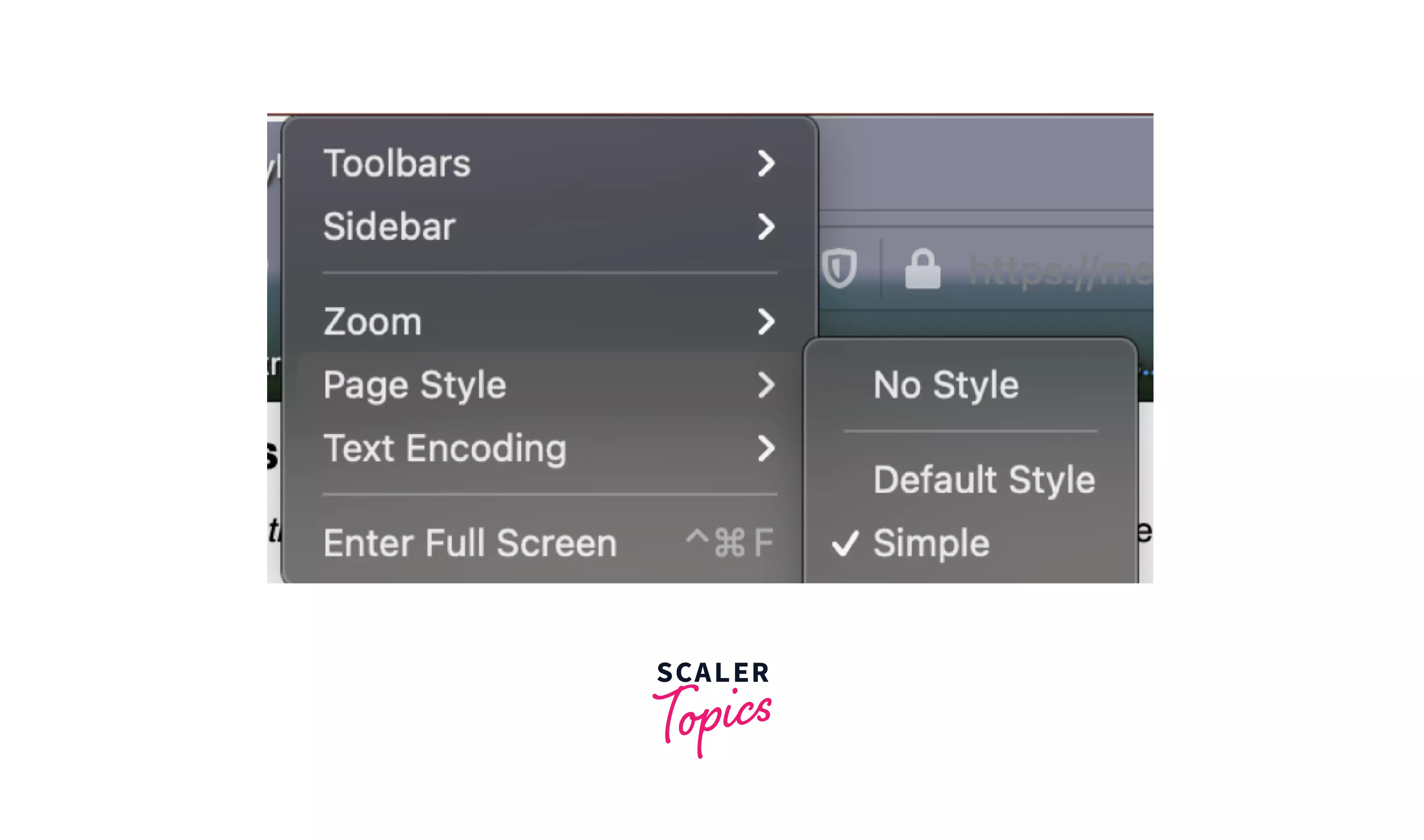
The chrome browser doesn't support this feature, we have to add a third-party extension in order to perform this operation.
Conditionally Loading Resources With Media Queries
The media queries is used to change the orientation of the screen size and the resolution of the media that is linked to the HTML document by the <link> tag.
Let's suppose if you want to change the width of the media that is linked to an HTML document to a particular pixel say 500px, you can change using the media queries.
In this way, we can use the media queries to change the orientation of the media.
Browser Support
- Google Chrome 93.0 & above.
- Internet Explorer 11.0
- Microsoft Edge 93.0
- Firefox 92.0 & above
- Safari 14.1
- Opera 79.0
Conclusion
- The <link> tag is used to link the external files to the html document.
- We can link multiple files using the link tag.
- Multiple CSS files can be rendered in the DOM.




