


Program to Read File into List in Python
 FREE
FREE

Build an AI-First Career, Master the Complete Skillset
Choose from our industry-leading programs designed for career success
Modern Software and AI Engineering Program
Master full-stack development with AI integration


 +1000 more
Modern Data Science and ML with specialisation in AI
Advanced data science techniques with AI specialization
+1000 moreAdvanced AIML with Specialisation in Agentic AI
Deep dive into AIML with focus on Agentic systems
+1000 moreDevOps, Cloud & AI Platform Engineering
Build and manage AI-powered cloud infrastructure
+1000 moreAI Engineering Advanced Certification by IIT-Roorkee
Premier AI engineering certification from IIT-Roorkee

AI Forward Deployed Engineer Program
Full-stack engineering, production AI and client-facing consulting
+1000 moreOverview
We can read a file using Python's built-in file.read() method. After that, we can use different functions to read the data obtained from the file into a list. In this article, we will see the program to read a file into a list in Python.
How to Read File into List in Python?
In Python programming language, we use the file.read() function to read the data of a file. This function returns the data of the file as a string. We can store this data returned in string format and manipulate it using functions (we'll discuss them in detail further in this article) to convert it into a list.
Using read() and split() Functions
As we have discussed before, we can use the file.read() function to read the data of the file, and it'll return the data in the string format. Now, we can use the split() method on this string data.
The split() method takes one mandatory parameter, a separator. The split() method returns the data in a list by breaking the string according to the specified separator. Now, let's understand this better through an example.
File
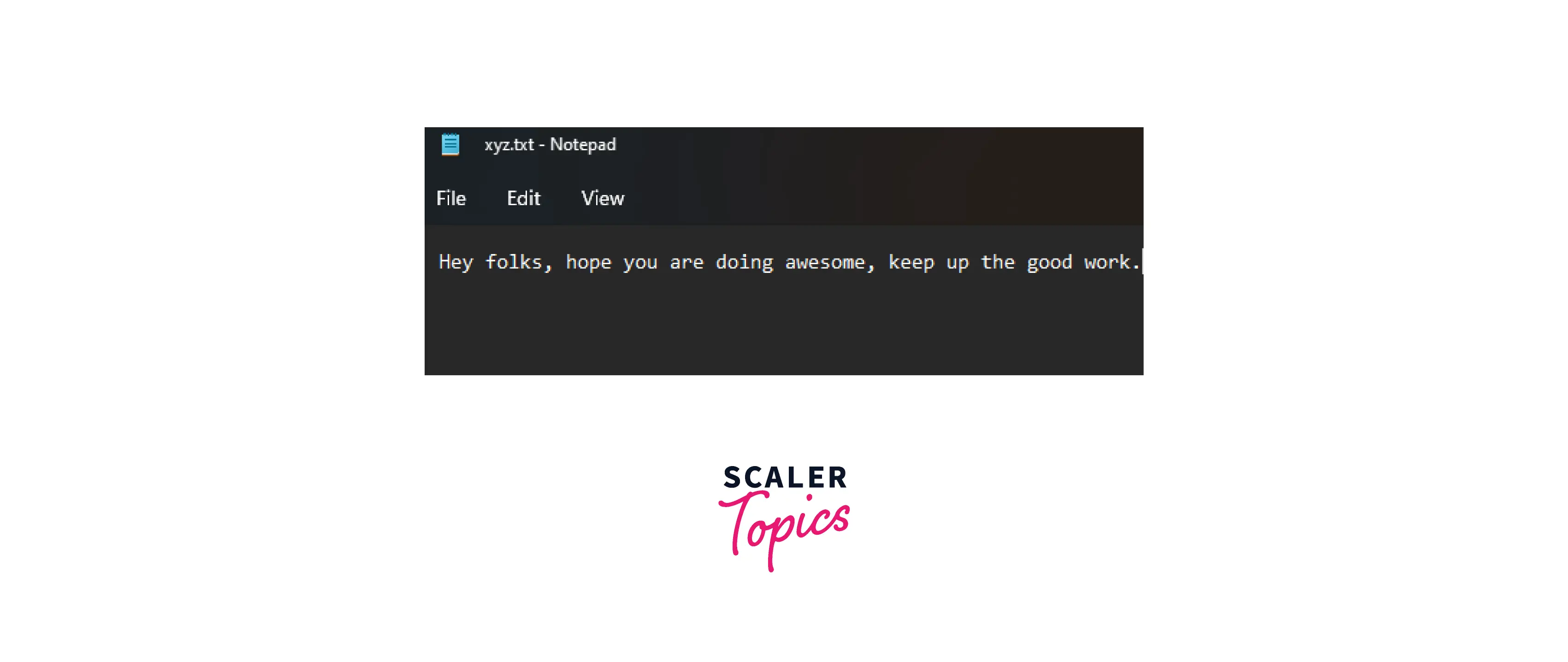
Code
Output
Explanation First, we open the file in the read mode using the open(); then we use the split function. Inside the split function, we have used the comma(,) as the separator and passed it into the split() method argument. This will create a list from the file's data. In the list, the string will keep going at the same index until a comma is encountered; after that, it'll move to the next index. The function will stop reading once it reaches the end of the string.
How Scaler Transformed Careers in Different Fields
Scaler learners achieved 2.5x salary growth with average post-Scaler CTC reaching ₹23L.
 Google
 Amazon
 Microsoft
 Flipkart
 Adobe1200+ more
Using readlines() Function
The readlines() function is an in-built Python method that can be used to read the file into a list. The readlines() function returns a list where each list element is a line in the file.
File
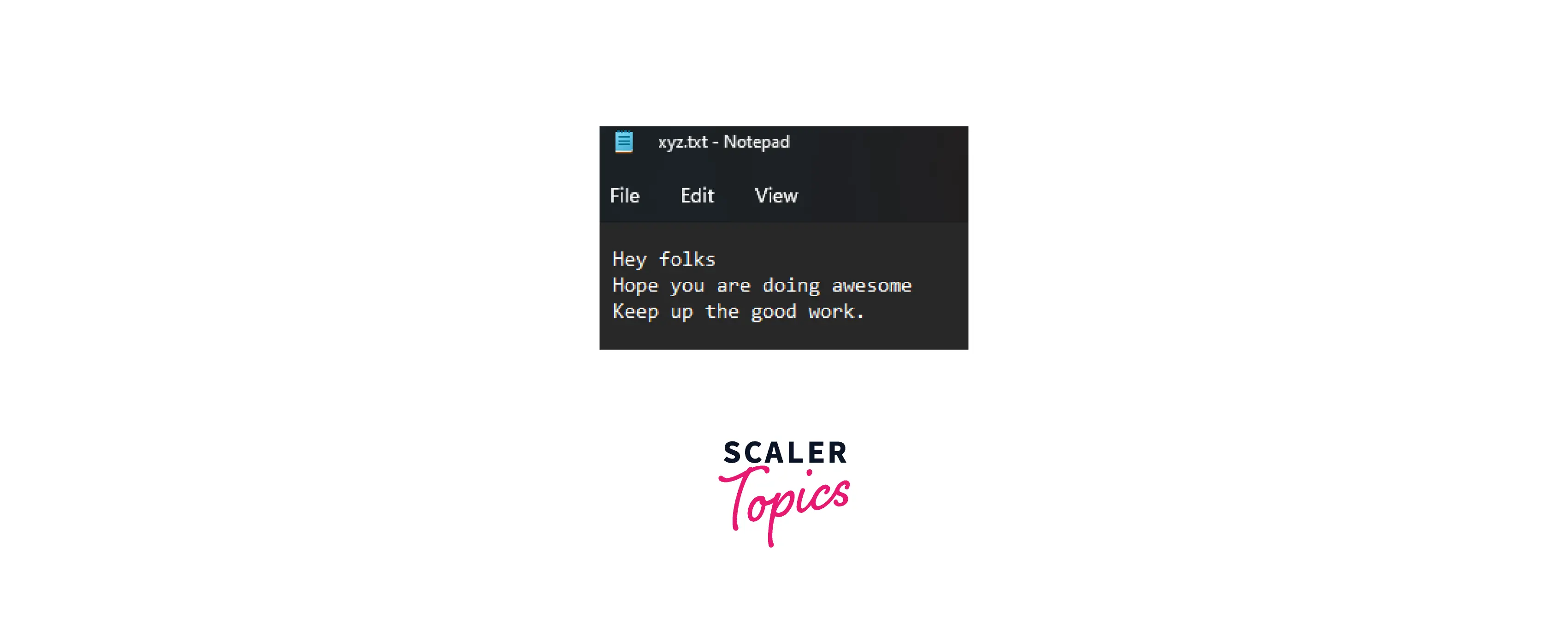
Code
Output
Explanation The way we read files will remain the same in every method, so in this. The difference in this method from the previous one is the use of the readlines() function instead of read() and split(). The readlines() function returns a list in which every list element is a line from the file. We save this list returned by the function in a variable and print it at the end.
Using loadtxt() Function
Until now, all the methods we discussed before used built-in Python functions like read() and split(), and readlines(). However, in this method, we'll be using the loadtxt() function, a module of the Numpy library.
Note: This method can only be used to read numbers from a file and not a string.
File

Code
Output
Explanation The first thing we need to do here is import the loadtxt() function from the numpy library. After this, we can use the loadtxt() function to read the file data into a list. The loadtxt() function uses a delimiter as its second parameter to know where to break the file data and create one list element from it. In this example, we are using the period (".") as the delimiter. Hence, the loadtxt() function will convert the file data into a list, where a list element will be created according to the delimiter used.
Turn Learning into Career Growth
Read More
Conclusion
That's all for this article. We have covered all the significant ways to read a file into a list in Python.
-
We discussed different programs to read a file into a list in Python using three main methods:
- read() and split()
- readlines()
- loadtxt()
-
To learn more about the topic of file handling and different ways to read a file in Python, check out the read more section.




