


Which Tag Creates a Checkbox for a Form in HTML?
 FREE
FREE

A checkbox element can be created using the type="checkbox" attribute of the <input> tag inside a <form>element.
Transform Your Career
Choose from our industry-leading programs designed for career success
Modern Software and AI Engineering Program
Master full-stack development with AI integration


 +1000 more
Modern Data Science and ML with specialisation in AI
Advanced data science techniques with AI specialization
+1000 moreAdvanced AIML with Specialisation in Agentic AI
Deep dive into AIML with focus on Agentic systems
+1000 moreDevOps, Cloud & AI Platform Engineering
Build and manage AI-powered cloud infrastructure
+1000 moreAI Engineering Advanced Certification by IIT-Roorkee
Premier AI engineering certification from IIT-Roorkee

How to Create a Checkbox in HTML with Enable and Disable Option?
Checkboxes, by default, are obviously enabled. But to disable a checkbox, the "disabled" attribute can be used. Below is an example to show how a checkbox is disabled:
Output

Checkbox vs Radio Buttons
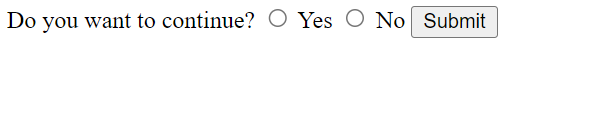
There is a simple difference between checkboxes and radio buttons: In the case of radio buttons, the user can only choose one option among all the available choices. On the other hand, checkboxes allow the user to choose more than one option from a variety of possibilities. Let's have a look at the usage of radio buttons:
Example:
Output






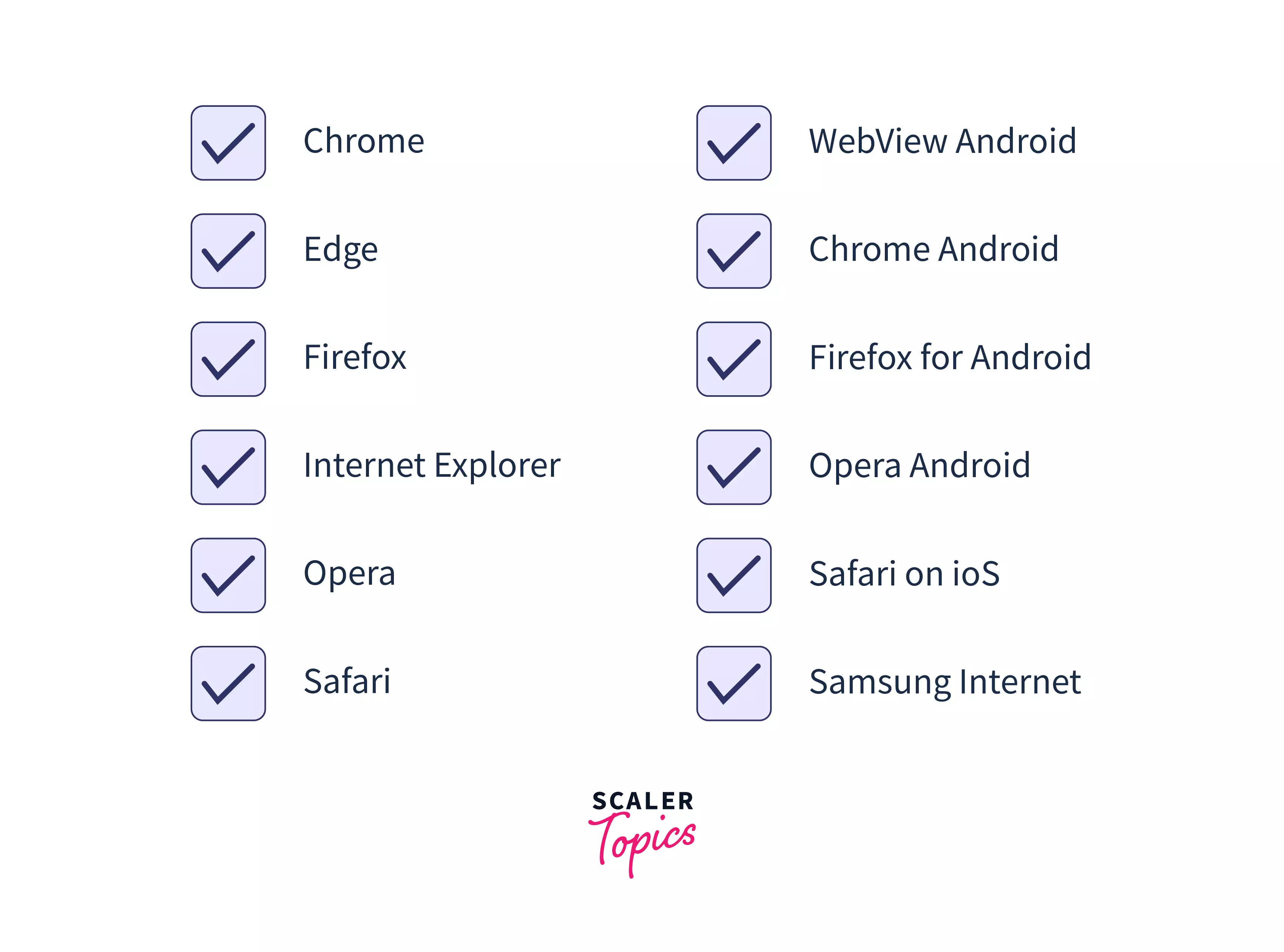
Supported Browsers
Scaler Placement Report and Statistics
Scaler learners achieved 2.5x salary growth with average post-Scaler CTC reaching ₹23L.
 Google
 Amazon
 Microsoft
 Flipkart
 Adobe1200+ more
Learn more
To learn more about checkboxes, check out our dedicated article
Conclusion
- A checkbox accepts multiple answers applicable to a question in a form.
- Radio buttons are used if only one option needs to be selected.
- Checkboxes in HTML forms are created using <input type = "checkbox".
- To disable a checkbox, use the disabled attribute in the <input> tag.